
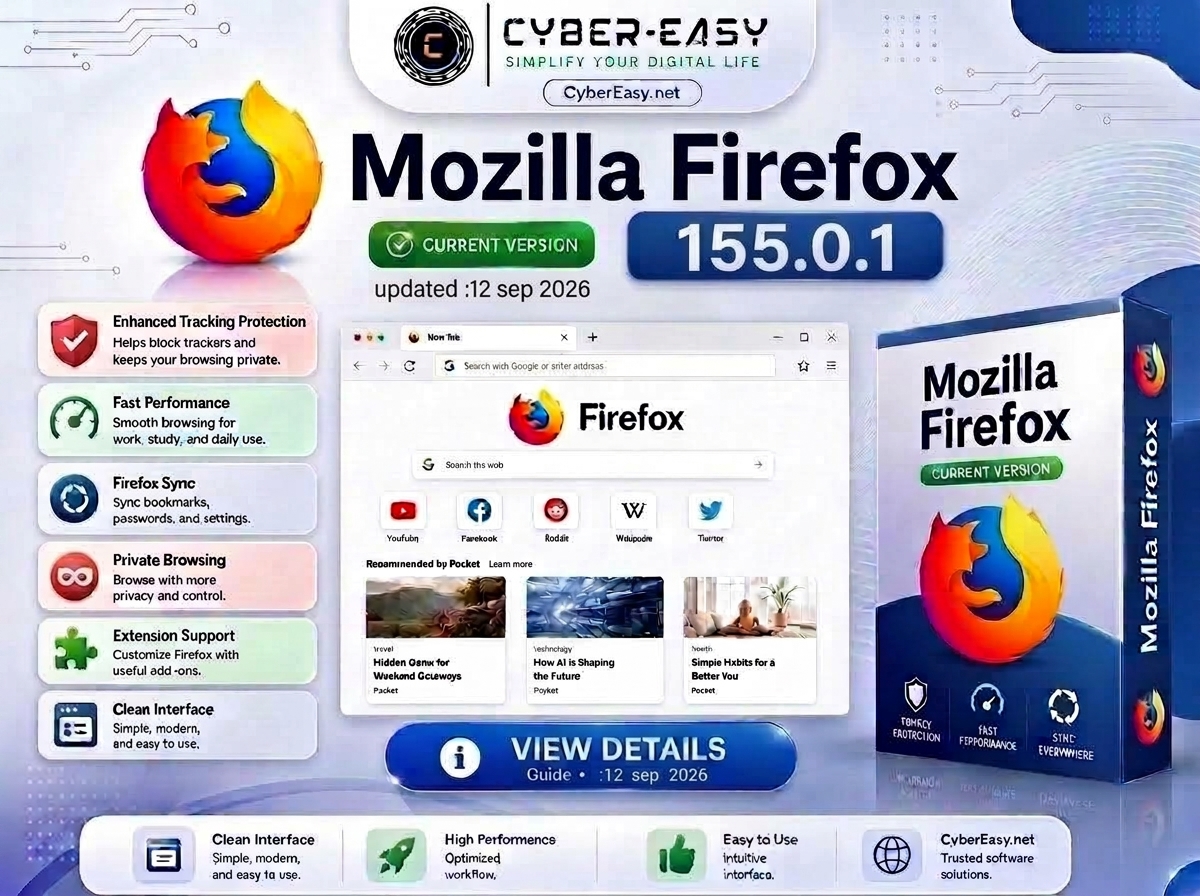
Mozilla Firefox 155.0.1 is an updated web browser for Windows users. It is known for fast browsing, privacy-focused features, strong add-on support, and a clean browsing experience for everyday internet use.
This CyberEasy page provides software information, setup notes, installation guidance, and safe usage details for Mozilla Firefox. It is useful for home users, students, office users, technicians, and anyone who needs a secure, customizable, and reliable browser for daily web browsing, streaming, study, and work.
Mozilla Firefox 155.0.1 for Windows
Mozilla Firefox 155.0.1 is suitable for Windows 10 and Windows 11 users who want a privacy-focused browser with smooth performance and flexible customization. It supports browser add-ons, bookmark sync, password management, tab controls, and modern web browsing features.
This post focuses on Mozilla Firefox software information, version details, feature overview, installation notes, and responsible usage guidance. Users should always use software according to its license terms and obtain setup files from official, trusted, or authorized sources whenever possible.
155.0.1
Web browser
Internet Tools / Browser Tools
Windows
Standard or guided installation
Software Information / Browser Setup Guide
Main Features
- Fast and smooth browsing performance
- Privacy-focused browsing experience
- Enhanced tracking protection for safer web use
- Support for thousands of Firefox add-ons
- Firefox Sync support for bookmarks and settings
- Clean and customizable browser interface
- Useful for study, office work, streaming, and daily browsing
- Reliable alternative browser for Windows users
Installation Guide
- Source: Use the official developer page or another authorized source whenever possible.
- Security: Keep Windows security protection enabled and verify the publisher before opening a setup file.
- Setup: Follow the standard Windows installation prompts and review each option carefully.
- Updates: Keep Mozilla Firefox updated through its built-in update feature.
- Finish: Open Mozilla Firefox and review the privacy, update, and default-app settings.
Mozilla Firefox 155.0.1 Information
Related CyberEasy Guides

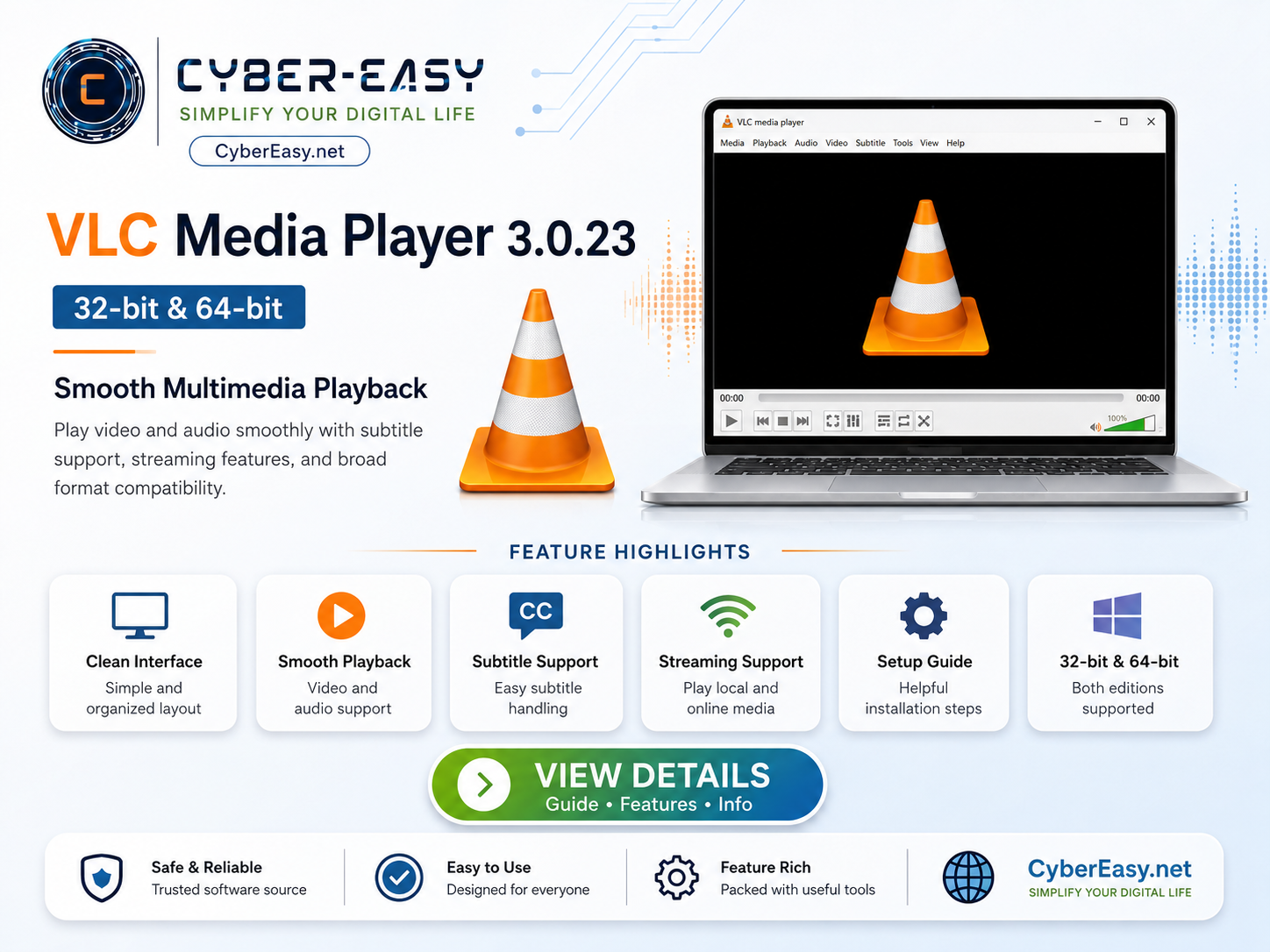
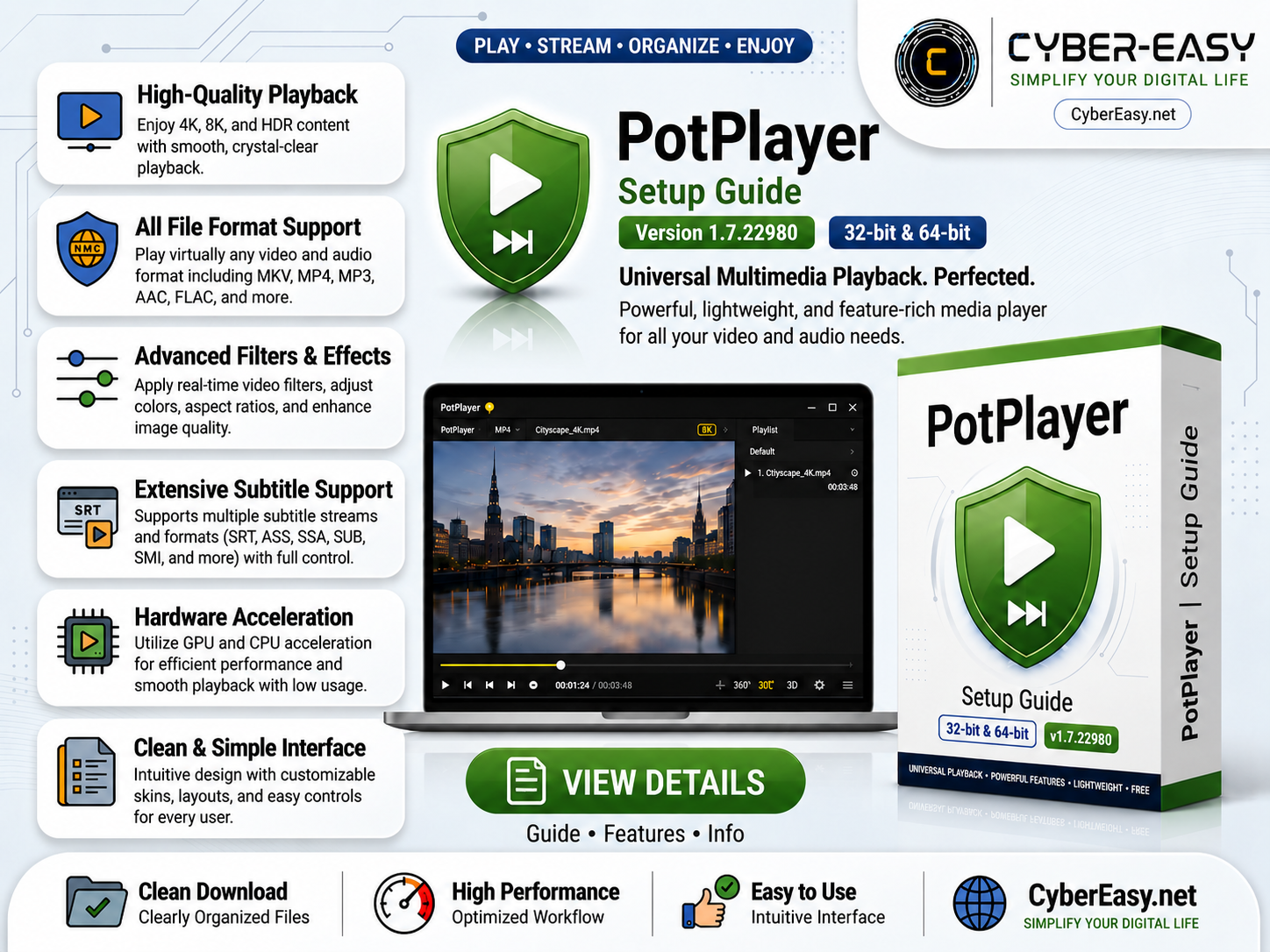
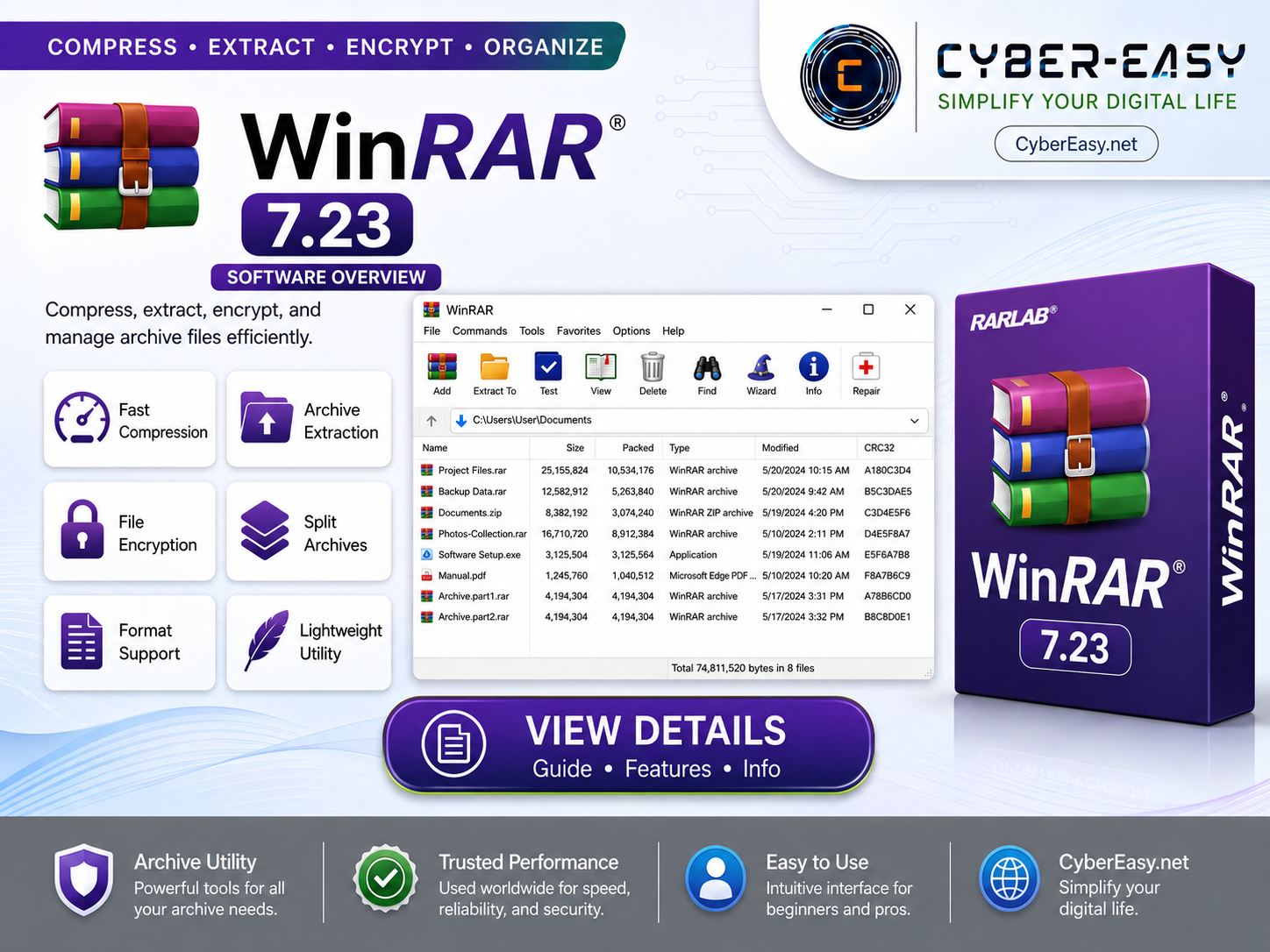
Note: This page provides software information, setup notes, and usage guidance for educational and reference purposes. CyberEasy does not host unauthorized files. Always verify files and respect software licenses.