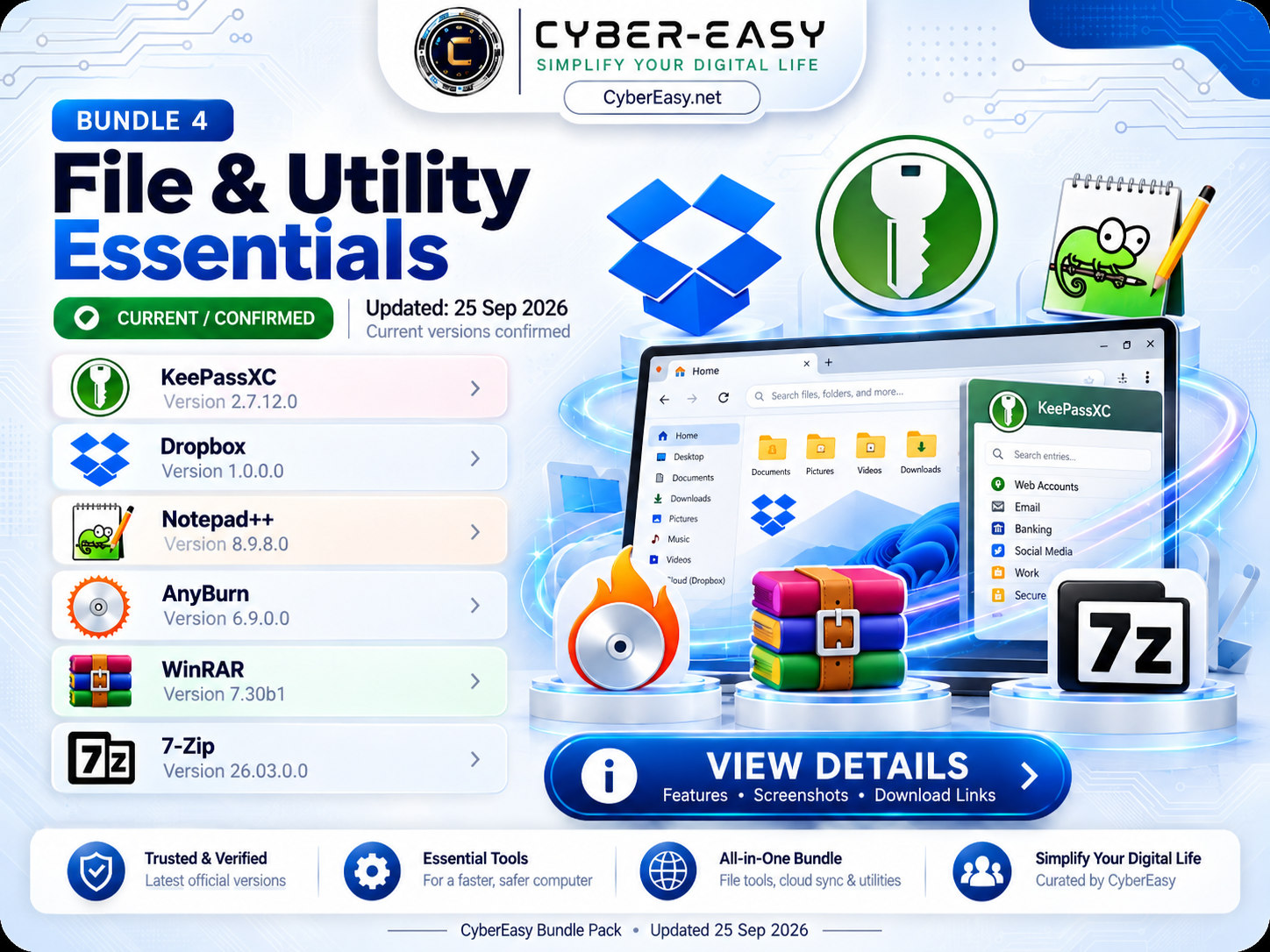
CyberEasy File & Utility Essentials – Bundle 4 v1.0 combines several useful everyday Windows applications for password management, cloud access, text editing, disc and ISO work, and compressed-file handling.
These are the types of utilities many users install soon after setting up Windows. CyberEasy places them inside one organized interface with both Quick Install All and Custom Install options.
CyberEasy File & Utility Essentials for Windows
The bundle includes KeePassXC, Dropbox, Notepad++, AnyBurn, WinRAR, and 7-Zip. Users can install the complete group automatically or select only the utilities they actually need.
Included Software
- KeePassXC — 2.7.12.0
- Dropbox — 1.0.0.0
- Notepad++ — 8.9.8.0
- AnyBurn — 6.9.0.0
- WinRAR — 7.30b1
- 7-Zip — 26.03.0.0
Main Features
- Password and credential management
- Cloud file synchronization
- Advanced text editing
- ISO and disc utility functionality
- RAR, ZIP, 7Z and other archive-format support
- Quick Install All for full bundle installation
- Custom Install for individual utility selection
- Useful after a fresh Windows setup
Installation Guide
- Download: Open the CyberEasy Bundle 4 link below.
- Quick Install: Choose Quick Install All to install all six utilities.
- Custom Install: Choose only the applications required.
- Security: Keep password databases and important files securely backed up.
- Licensing: Commercial applications should be used according to their license terms.
CyberEasy File & Utility Essentials Information
Note: This page provides software information, setup notes, and usage guidance for educational and reference purposes. CyberEasy does not host unauthorized files. Always verify files and respect software licenses.