
Opera Browser 135.0.5973.76 is a fast and modern web browser for Windows, available for both x64 and x86 systems. This CyberEasy @Silent edition provides convenient unattended installation while retaining Opera’s everyday browsing, privacy, security, synchronization, and productivity features.
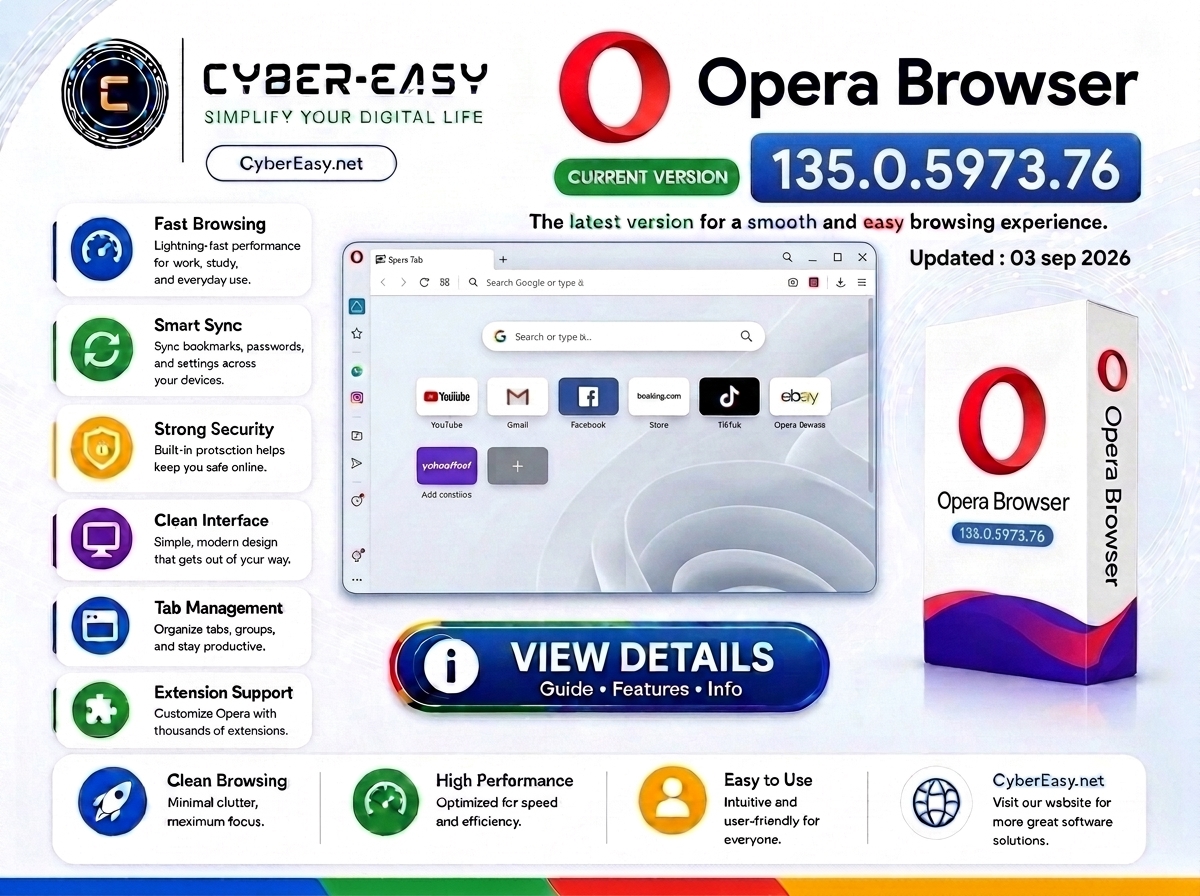
Opera Browser 135.0.5973.76 is an updated web browser for Windows users, available for both 64-bit and 32-bit systems. It combines fast browsing performance, privacy and security tools, a modern interface, and useful built-in browser features for everyday internet use.
This CyberEasy page provides software information, setup notes, installation guidance, and usage details for Opera Browser. It is suitable for home users, students, office users, technicians, and anyone looking for a modern alternative browser for browsing, streaming, study, and work.
Opera Browser 135.0.5973.76 x64 + x86 for Windows
Opera Browser 135.0.5973.76 supports modern web browsing, extensions, bookmarks, password management, tab organization, synchronization, and productivity features. This CyberEasy package supports both x64 and x86 Windows environments and is prepared for convenient unattended installation.
This post focuses on Opera Browser software information, version details, feature overview, installation notes, and responsible usage guidance. Users should always use software according to its license terms and obtain setup files from official, trusted, or authorized sources whenever possible.
Main Features
- Fast and smooth everyday web browsing
- Modern and customizable browser interface
- Support for both x64 and x86 Windows systems
- Built-in privacy and security features
- Convenient tab and workspace management
- Bookmark, password, and browser data synchronization
- Support for browser extensions and modern web applications
- Useful for streaming, study, office work, and social media
- Alternative browser with useful built-in productivity tools
- CyberEasy silent installation for easier unattended setup
Installation Guide
- Architecture: The package supports both x64 and x86 Windows systems.
- Installation: Run the CyberEasy @Silent installer and allow the installation process to complete automatically.
- Security: Keep Windows security protection enabled and verify downloaded files before installation.
- Updates: Keep Opera updated through its normal built-in browser update system.
- Finish: Open Opera and review the default browser, privacy, synchronization, startup, and appearance settings according to your preference.
Opera Browser 135.0.5973.76 x64 + x86 Information
Related CyberEasy Guides


Note: This page provides software information, setup notes, and installation guidance for educational and personal use. We recommend using software from official or trusted sources, respecting software license terms, and supporting original developers. Always verify the publisher and scan files before installation.