
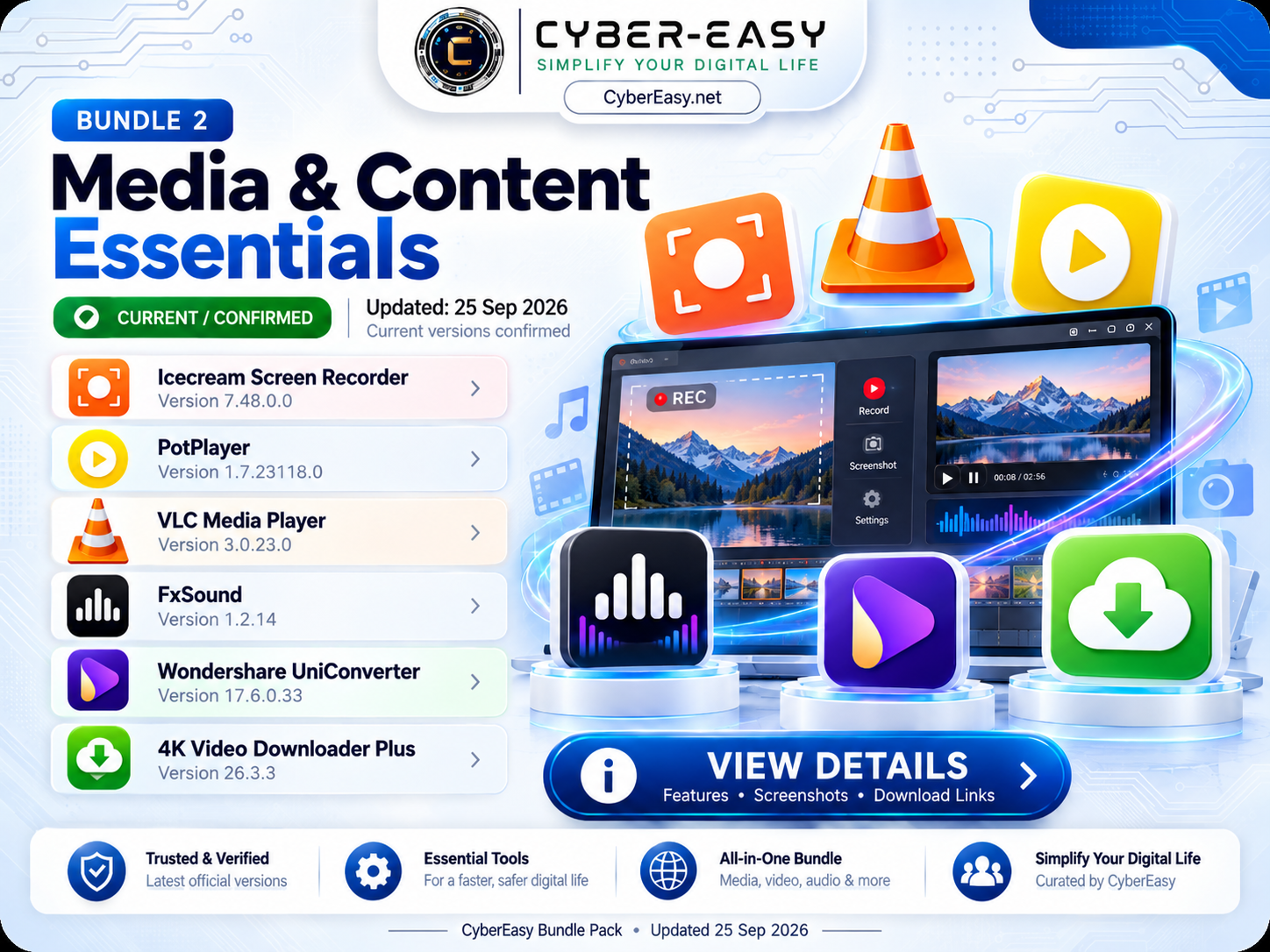
CyberEasy Media & Content Essentials – Bundle 2 v1.0 is a Windows multimedia software collection designed for video playback, screen recording, audio enhancement, media conversion, and video downloading.
The CyberEasy installer provides both Quick Install All and Custom Install options. Users can install the complete multimedia collection automatically or select only the applications required for their PC.
CyberEasy Media & Content Essentials for Windows
This bundle brings together six practical multimedia applications in one organized interface. It is useful for home entertainment, content work, screen recording, media conversion, and everyday video or audio use.
The current September 2026 bundle includes Icecream Screen Recorder, PotPlayer, VLC Media Player, FxSound, Wondershare UniConverter, and 4K Video Downloader Plus.
Included Software
- Icecream Screen Recorder — 7.48.0.0
- PotPlayer — 1.7.23118.0
- VLC Media Player — 3.0.23.0
- FxSound — 1.2.14
- Wondershare UniConverter — 17.6.0.33
- 4K Video Downloader Plus — 26.3.3
Main Features
- Media playback, recording, conversion, and audio tools in one bundle
- Quick Install All for the complete multimedia setup
- Custom Install for individual application selection
- Select All and Clear All controls
- Silent or unattended installation workflow where supported
- Useful for content work, entertainment, and everyday multimedia use
- Clean CyberEasy branded installation interface
Installation Guide
- Download: Open the CyberEasy Bundle 2 link below.
- Run: Start the Media & Content Essentials installer.
- Quick Install: Choose Quick Install All for the complete bundle.
- Custom Install: Choose only the media applications you need.
- Selection: Click Install Selected to start your chosen applications.
- Licensing: Use commercial applications according to their original license terms.
CyberEasy Media & Content Essentials Information
✨ Related CyberEasy Guides
Note: This page provides software information, setup notes, and usage guidance for educational and reference purposes. CyberEasy does not host unauthorized files. Always verify files and respect software licenses.