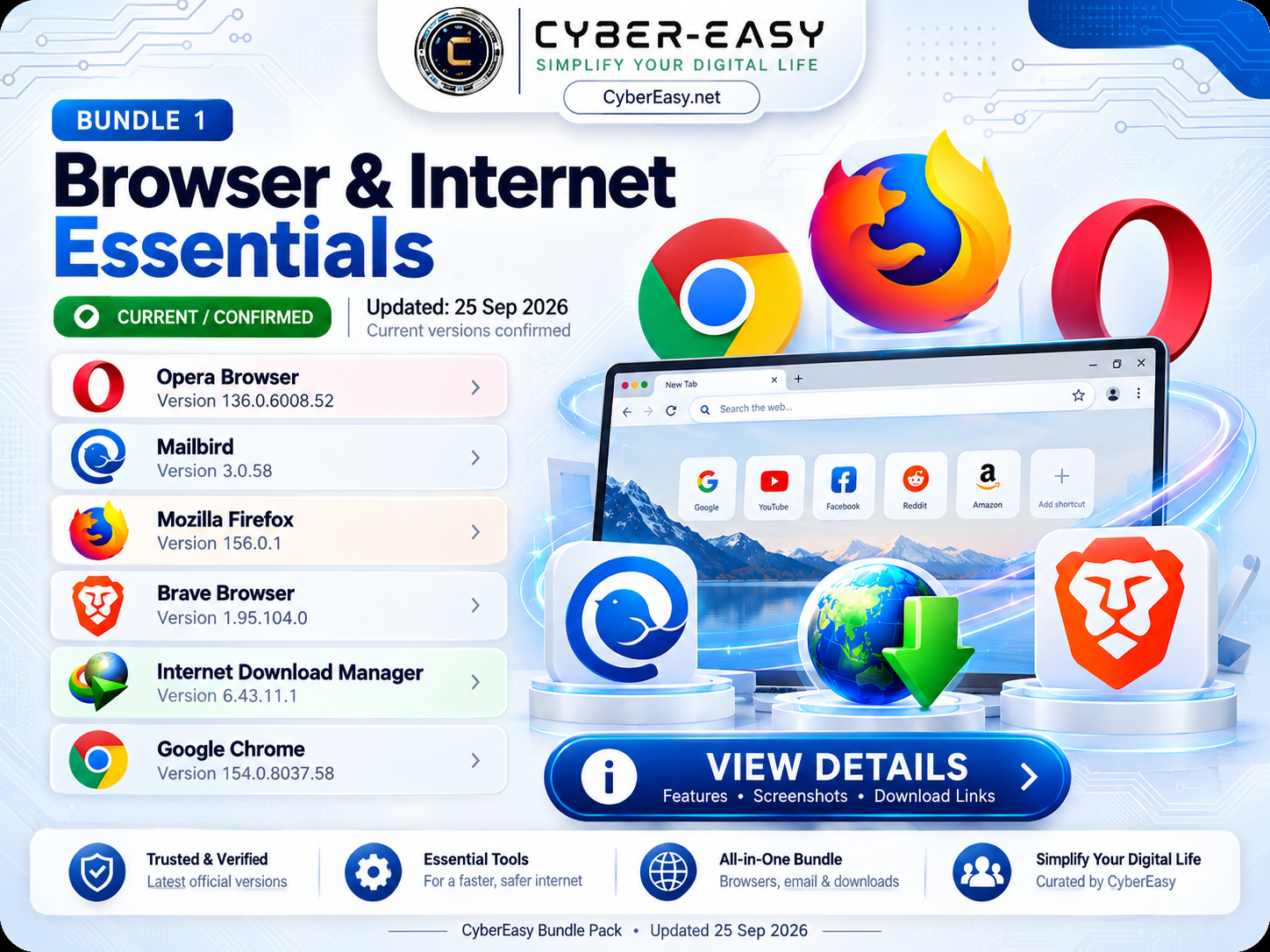
CyberEasy Browser & Internet Essentials – Bundle 1 v1.0 is a ready-to-use Windows software collection designed for everyday browsing, email, downloads, and internet use. It brings six popular internet applications together inside one simple CyberEasy installer.
Instead of opening and installing every setup file separately, users can choose Quick Install All for the complete bundle or Custom Install to select only the applications they need. It is especially useful after a fresh Windows installation and for home, office, student, or technician PCs.
CyberEasy Browser & Internet Essentials for Windows
This bundle combines popular browsers, an email client, and a download manager in one organized package. The current September 2026 software lineup includes Opera Browser, Mailbird, Mozilla Firefox, Brave Browser, Internet Download Manager, and Google Chrome.
CyberEasy provides both automatic and manual selection options, allowing users to keep installation simple while remaining in control of which applications are installed.
v1.0
6 Applications
1.26 GB (1,325,553 KB)
Browser / Internet Tools
Windows
Quick Install All / Custom Install
25 September 2026
Browser / Email / Download Setup
Included Software
- Opera Browser — 136.0.6008.52
- Mailbird — 3.0.58
- Mozilla Firefox — 156.0.1
- Brave Browser — 1.95.104.0
- Internet Download Manager — 6.43.11.1
- Google Chrome — 154.0.8037.58
Main Features
- Six useful browser and internet applications in one bundle
- Quick Install All for complete automatic selection
- Custom Install for individual software selection
- Select All and Clear All controls
- Silent or unattended installation workflow where supported
- Clean CyberEasy branded installer interface
- Reduces the need to launch multiple individual setup files
- Useful after a fresh Windows installation
Installation Guide
- Download: Open the CyberEasy Bundle 1 link below.
- Run: Start the CyberEasy Browser & Internet Essentials installer.
- Quick Install: Choose Quick Install All if you want all six applications.
- Custom Install: Choose Custom Install to select only the applications you need.
- Selection: Tick your required applications and click Install Selected.
- Licensing: Commercial applications should be used with a valid license or subscription where required.
- Updates: Keep installed applications updated through their official update features.
CyberEasy Browser & Internet Essentials Information
Note: This page provides software information, setup notes, and usage guidance for educational and reference purposes. CyberEasy does not host unauthorized files. Always verify files and respect software licenses.