
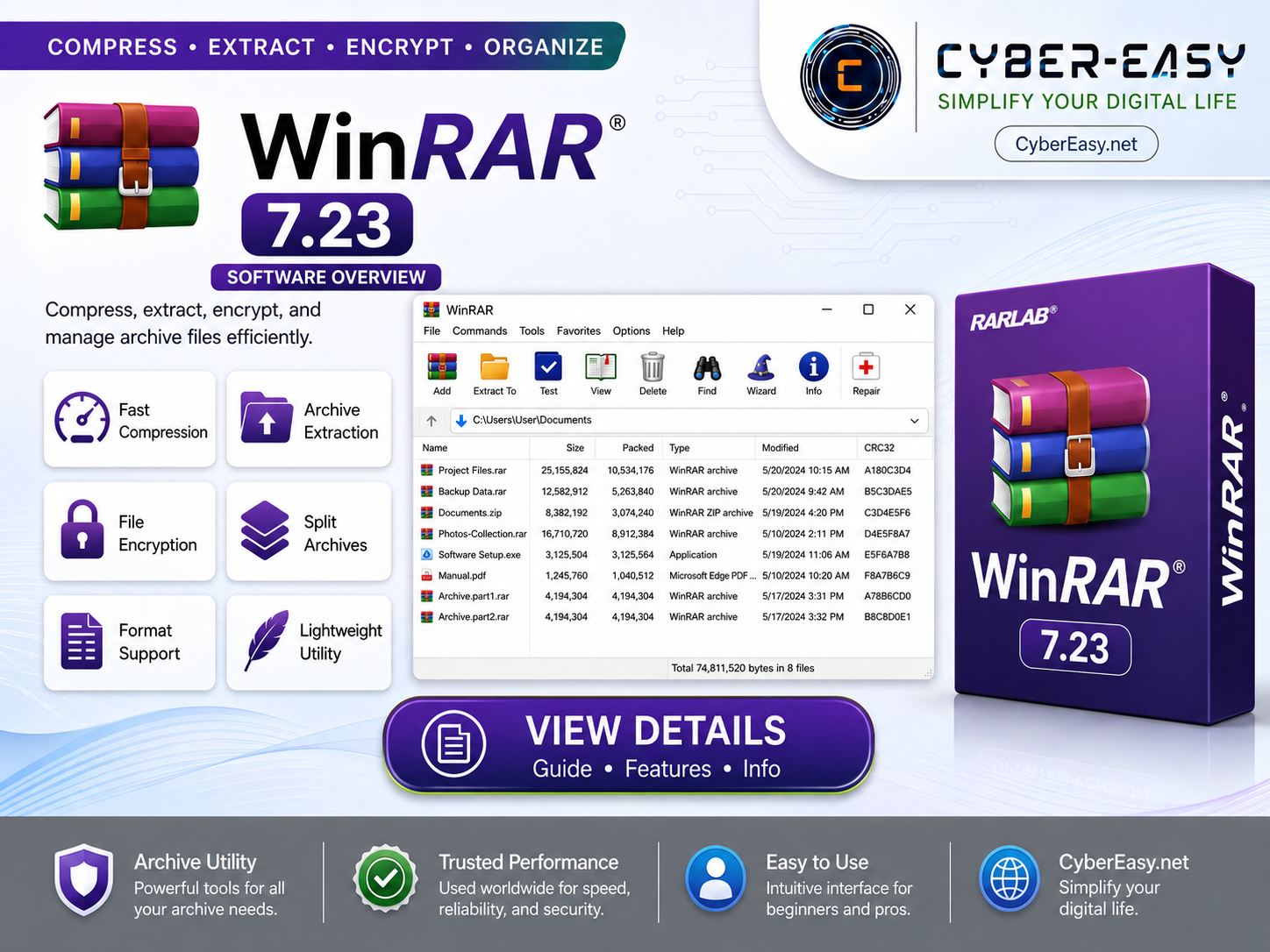
WinRAR 7.23 is an archive management tool for Windows users. It helps compress files, extract archive files, manage compressed folders, and work with common archive formats such as RAR, ZIP, 7Z, ISO, and more.
This CyberEasy page provides software information, setup notes, official-source guidance, and safe usage details for WinRAR. It is useful for home users, students, office users, technicians, and professionals who regularly work with compressed files and backup packages.
WinRAR 7.23 Archive Tool Guide
WinRAR 7.23 is suitable for Windows 10 and Windows 11 users who need a simple archive utility for daily file compression and extraction tasks. Users should follow the official license terms and use the official publisher source whenever possible.
Main Features
- Compress files into smaller archive packages
- Extract RAR, ZIP, 7Z, ISO, and other archive formats
- Create and manage archive files easily
- Support password-protected archive files
- Split large archive files into smaller parts
- Repair damaged or incomplete archive files
- Lightweight and easy-to-use interface
- Useful for daily file compression, extraction, and backup tasks
Setup Guide
- Official Source: Visit the official WinRAR / RARLAB source before installing.
- License: Review the official trial and license terms from the publisher.
- Install: Run the official setup file and follow the on-screen installation steps.
- Finish: Complete the installation and open WinRAR from the Start Menu or desktop shortcut.
- Use Responsibly: Follow the software license terms and use official or authorized sources whenever possible.
WinRAR 7.23 Information
Related Software Guides
- AnyBurn 6.8.0 Setup Guide – ISO and disc utility information for Windows users.
- VLC Media Player 3.0.23 – lightweight media player information for Windows users.
- PotPlayer 1.7.22980 Setup Guide – multimedia player overview with 32-bit and 64-bit support.
- Google Chrome Version Info – browser information for Windows users.
- Internet Download Manager Setup & License Guide – download manager information for Windows users.
Note: This page provides software information, setup notes, and installation guidance for educational and personal use. We recommend using official or authorized sources, respecting software license terms, supporting original developers, and scanning files before installation.