
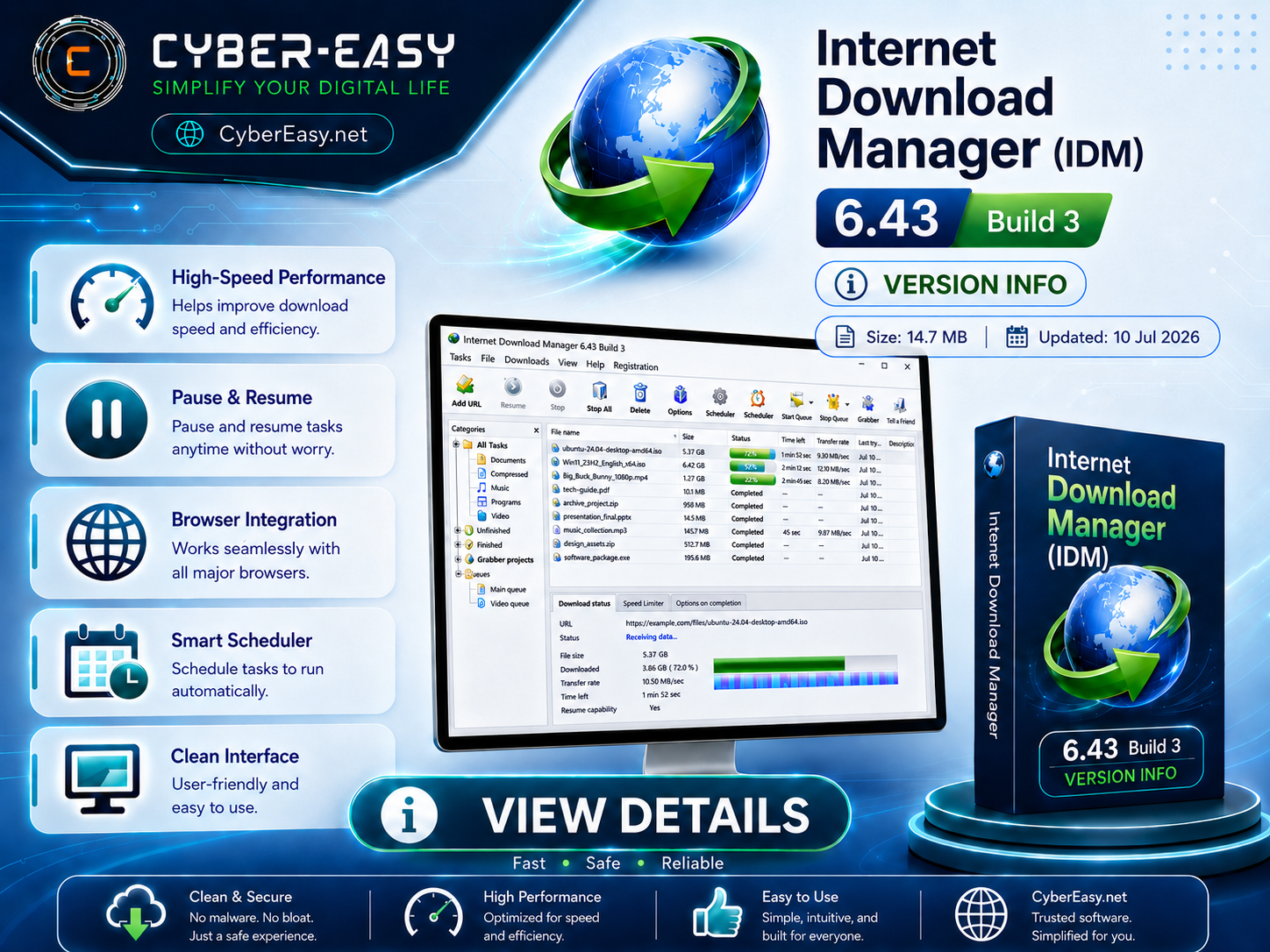
Internet Download Manager 6.43 Build 3 is a download management tool for Windows users. It helps manage file downloads, resume interrupted downloads when supported by the source server, organize download queues, schedule tasks, and improve control over browser-based downloads.
This CyberEasy page provides software information, setup notes, official-source guidance, and responsible usage details for Internet Download Manager. Users should use the software according to its license terms and obtain setup files from the official developer or authorized sources.
Internet Download Manager 6.43 Build 3 for Windows
Internet Download Manager is suitable for Windows 10 and Windows 11 users who want a dedicated tool for download organization, browser integration, file queue management, scheduling, and transfer monitoring. This guide is written for information and setup guidance only.
Main Features
- Manage file transfers from one clean interface
- Resume interrupted transfers when supported by the source server
- Schedule tasks and organize queues
- Integrate with supported popular web browsers
- Manage large files and multiple queues efficiently
- Organize files with categories
- Monitor transfer activity and progress
- Useful for daily browsing, study, office work, and file management
Setup & License Guide
- Official Source: Visit the official Internet Download Manager website before installing.
- License: Review the official trial, purchase, and registration terms from the developer.
- Install: Run the official setup file and follow the installation instructions.
- Browser Integration: After installation, check browser integration settings if you want to use the tool with your browser.
- Finish: Configure folders, categories, and preferences according to your workflow.
Internet Download Manager 6.43 Build 3 Information
Related Software Guides
- Google Chrome Version Info – browser information for Windows users.
- Mozilla Firefox Setup Guide – privacy-focused browser information for Windows.
- WinRAR 7.23 Archive Tool Guide – archive tool setup information for Windows users.
- VLC Media Player 3.0.23 – media player information for Windows users.
- PotPlayer 1.7.22980 Setup Guide – multimedia player overview.
Note: This page provides software information, setup notes, and responsible usage guidance. Always use official or authorized sources, follow license terms, and scan files before installation.