
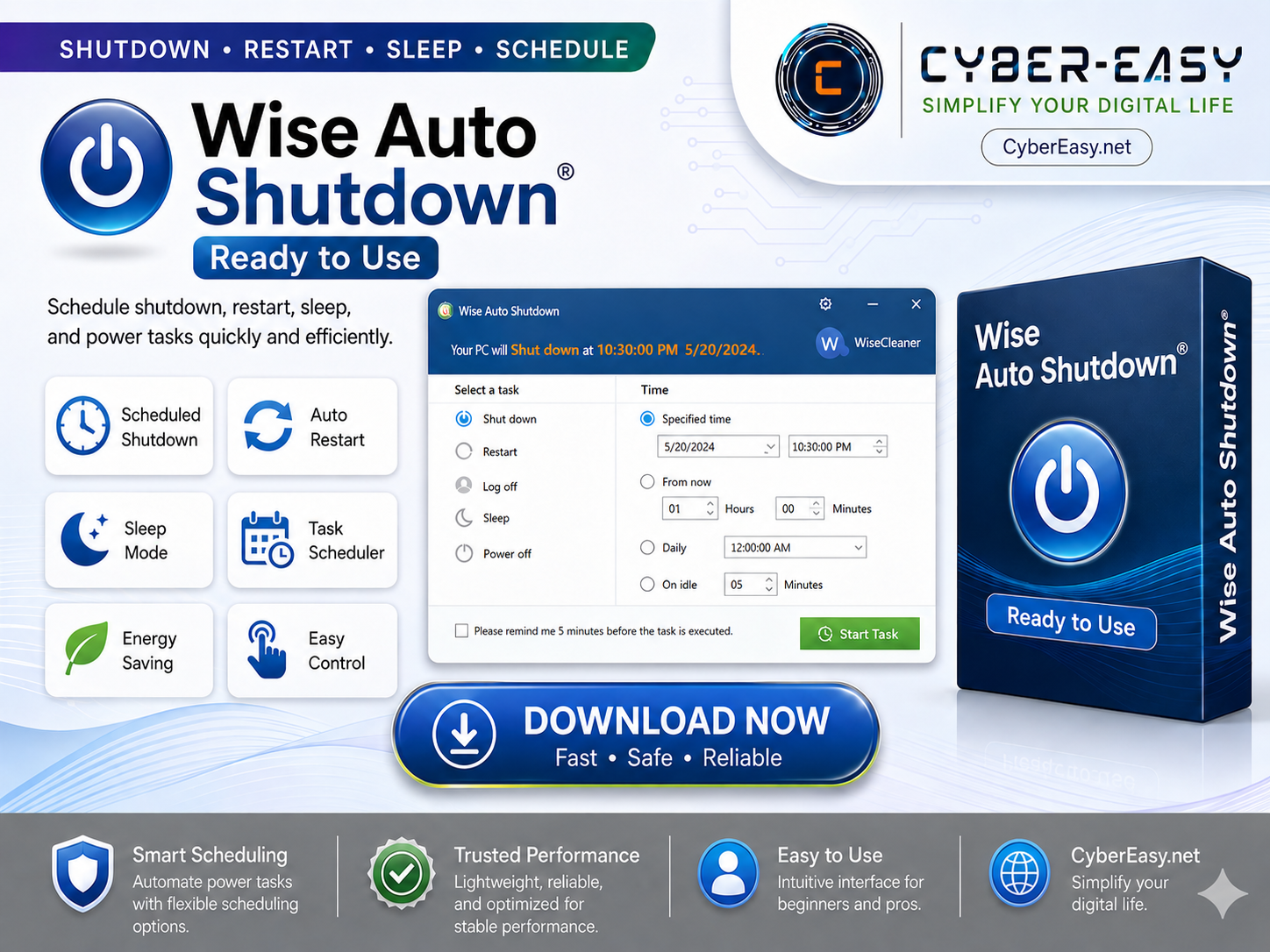
Wise Auto Shutdown 2.1.1 is a lightweight Windows utility that helps users schedule shutdown, restart, sleep, log off, and other power-related tasks from a simple interface. This CyberEasy setup guide explains the main features, usage benefits, setup notes, and important information in a clean and easy-to-understand format.
This tool is useful for users who want better control over their computer power actions without manually waiting near the PC. It can be helpful for personal computers, office systems, training labs, technician workstations, and users who often run long tasks such as file transfers, backups, rendering, downloads, or system maintenance.
Wise Auto Shutdown 2.1.1 Overview
Wise Auto Shutdown 2.1.1 provides a simple way to automate common power tasks on Windows. Users can select an action such as shut down, restart, sleep, log off, or power off, then choose a specific time or countdown schedule. The interface is beginner-friendly, making it easy for regular users to manage power tasks without complicated settings.
The main purpose of this utility is convenience. Instead of keeping a computer running longer than necessary, users can schedule a task and let the software handle it at the selected time. This can save time, reduce unnecessary power usage, and help users keep their workflow more organized.
Main Features of Wise Auto Shutdown 2.1.1
- Schedule automatic shutdown, restart, sleep, log off, or power off
- Specific time and countdown scheduling options
- Simple Windows utility interface
- Lightweight and easy to use
- Helpful reminder option before a task is executed
- Useful for office work, personal PCs, labs, and technician use
- Helps reduce unnecessary power usage
- Suitable for scheduled PC tasks and daily system management
Why Use Wise Auto Shutdown?
Wise Auto Shutdown is useful when a computer needs to remain active for a limited time but does not need to stay powered on all day or all night. For example, users may schedule the PC to shut down after a file transfer, restart after maintenance work, or enter sleep mode after a selected period of time.
This makes the tool practical for students, office users, freelancers, technicians, and home users. It is especially helpful when working with repeated tasks or long-running processes where manual shutdown is inconvenient.
Setup Notes
- Save Work First: Save important documents before starting any scheduled power task.
- Check the Time: Review the selected time carefully before starting the schedule.
- Use Reminder: Enable the reminder option when you want a warning before the task runs.
- System Safety: Keep important files backed up and scan downloaded files when needed.
Who Is This Guide For?
This Wise Auto Shutdown 2.1.1 guide is suitable for users who want a clear overview before using the utility on a Windows computer. It is helpful for personal users, office teams, computer labs, technicians, and anyone who wants to schedule power actions in a simple way.
The software can be useful during downloads, rendering work, backup tasks, file transfers, system updates, or general PC management. It helps users plan when the computer should shut down, restart, sleep, or log off without needing to stay near the device.
Safe Usage Information
CyberEasy recommends using software responsibly and following the original developer’s usage terms. Users should avoid unsafe or modified files and should always use trusted sources when installing utilities on a Windows PC. Safe usage helps protect system stability, data security, and long-term performance.
You can also explore more helpful guides from the CyberEasy Software section.
Wise Auto Shutdown 2.1.1 Information
Final Thoughts: Wise Auto Shutdown 2.1.1 is a useful Windows utility for scheduling shutdown, restart, sleep, log off, and other power actions. It is lightweight, simple, and practical for users who want better control over their computer’s power schedule. This page presents the software as a setup guide and feature overview for CyberEasy readers.