
<
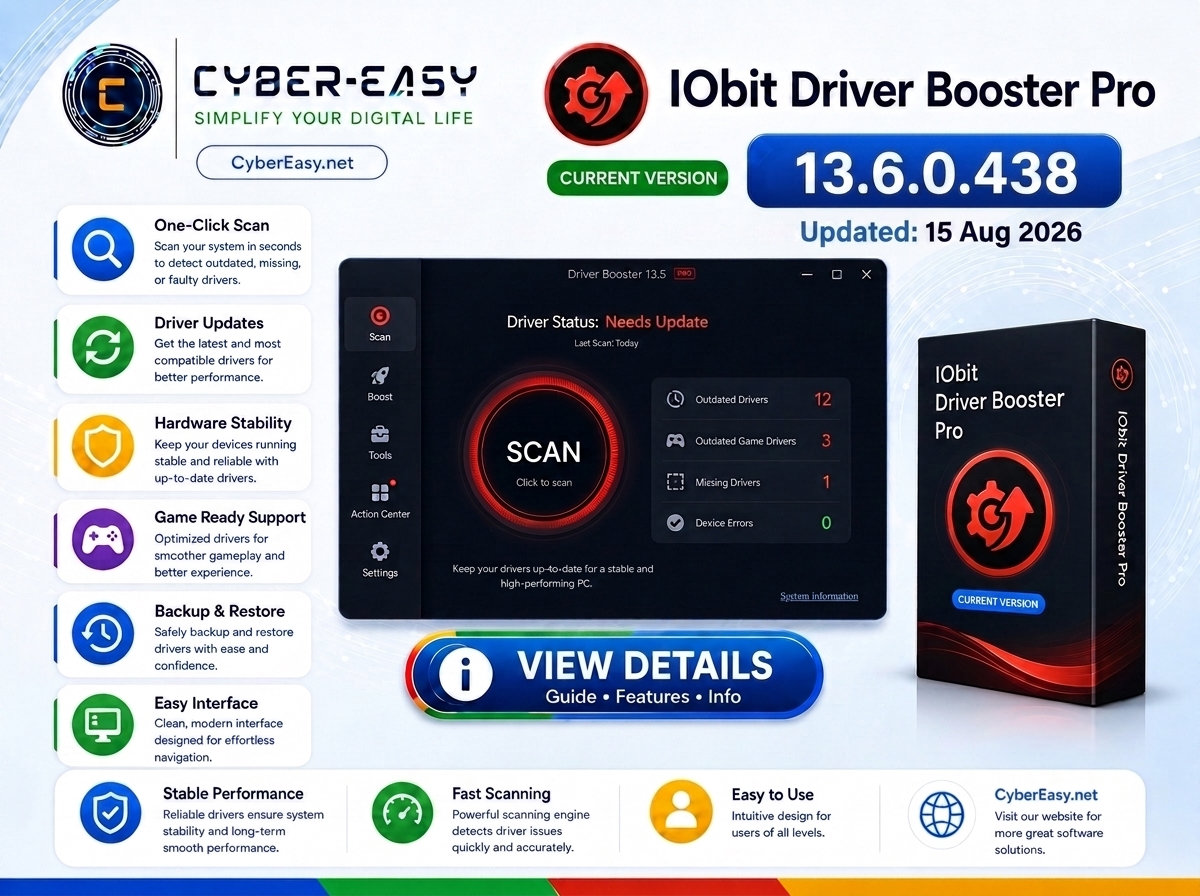
IObit Driver Booster Pro 13.6.0.4 is a Windows driver-management utility designed to scan for outdated, missing, or potentially incorrect device drivers. It provides an organized dashboard for reviewing driver status, checking available updates, preparing backups, and restoring supported drivers when necessary.
This CyberEasy page provides product information, feature details, setup preparation, safe-use guidance, and responsible driver-management recommendations. The supplied product artwork identifies version 13.6.0.4 and an update date of 05 August 2026.
IObit Driver Booster Pro 13.6.0.4 Overview
IObit Driver Booster Pro 13.6.0.4 offers a central interface for checking drivers used by graphics, audio, networking, Bluetooth, storage, chipset, printer, controller, and other supported hardware. Scan results should always be reviewed carefully before installing an update.
Driver updates can sometimes improve compatibility, correct device problems, or support newer hardware features. However, a newer driver is not always the best choice for every computer. Users should compare important recommendations with the computer or hardware manufacturer’s official support information.
Driver Scanning and Update Review
The one-click scanning feature can identify outdated, missing, or potentially unsuitable drivers. Users should update only the items that are necessary and confirm the Windows version, system architecture, device model, and publisher before applying a change.
Backup, Restore, and Hardware Stability
Before changing important drivers, save open work, back up essential files, and create a Windows restore point. Driver backup and restore options may help when troubleshooting an update, but Windows Device Manager, System Restore, and manufacturer recovery tools should also remain available.
Gaming and Device Support
The utility may display gaming-related graphics, sound, controller, network, and component drivers. Performance improvements vary by computer, hardware model, and driver version. Treat optimization claims as general guidance and verify the result on the individual system.
Official IObit Product Information
For official product details, supported Windows editions, licensing, downloads, release information, and technical support, visit the official IObit Driver Booster website.
Main Features
- One-click scan for outdated, missing, or potentially incorrect drivers
- Review available driver information before making changes
- Driver updates for supported hardware categories
- Hardware-stability and compatibility review
- Gaming-related driver and component support
- Driver backup and restore options
- Clean and easy-to-navigate dashboard
- Fast scanning with system-information access
Setup and Safe-Use Guide
- Official Source: Use the official IObit website or another authorized provider.
- Publisher Check: Verify the publisher and digital signature before running the installer.
- Power: Connect laptops to power before scanning or installing drivers.
- Backup: Save important files and create a Windows restore point before changing drivers.
- Compatibility: Confirm the Windows edition, system architecture, and hardware model.
- Review: Check every suggested driver and avoid updating a stable device without a clear reason.
- Installation: Do not interrupt Windows while an important driver is being installed.
- Restart: Restart the computer when Windows or the installer requests it.
Important Driver Safety Notes
- Manufacturer Guidance: Prefer the computer or hardware manufacturer’s official driver when compatibility is uncertain.
- Managed Computers: Follow the organization’s IT policy on business, school, or shared systems.
- One at a Time: Beginners should update one important driver at a time and confirm system stability.
- Recovery: Keep Device Manager, System Restore, and recovery options available before major changes.
- Security: Keep Windows security protection enabled and use trusted or authorized sources.
IObit Driver Booster Pro 13.6.0.4 Information
Related CyberEasy Guides
Note: Driver changes can affect system stability. Back up important data, create a restore point, and install only the drivers that are necessary for the computer.