
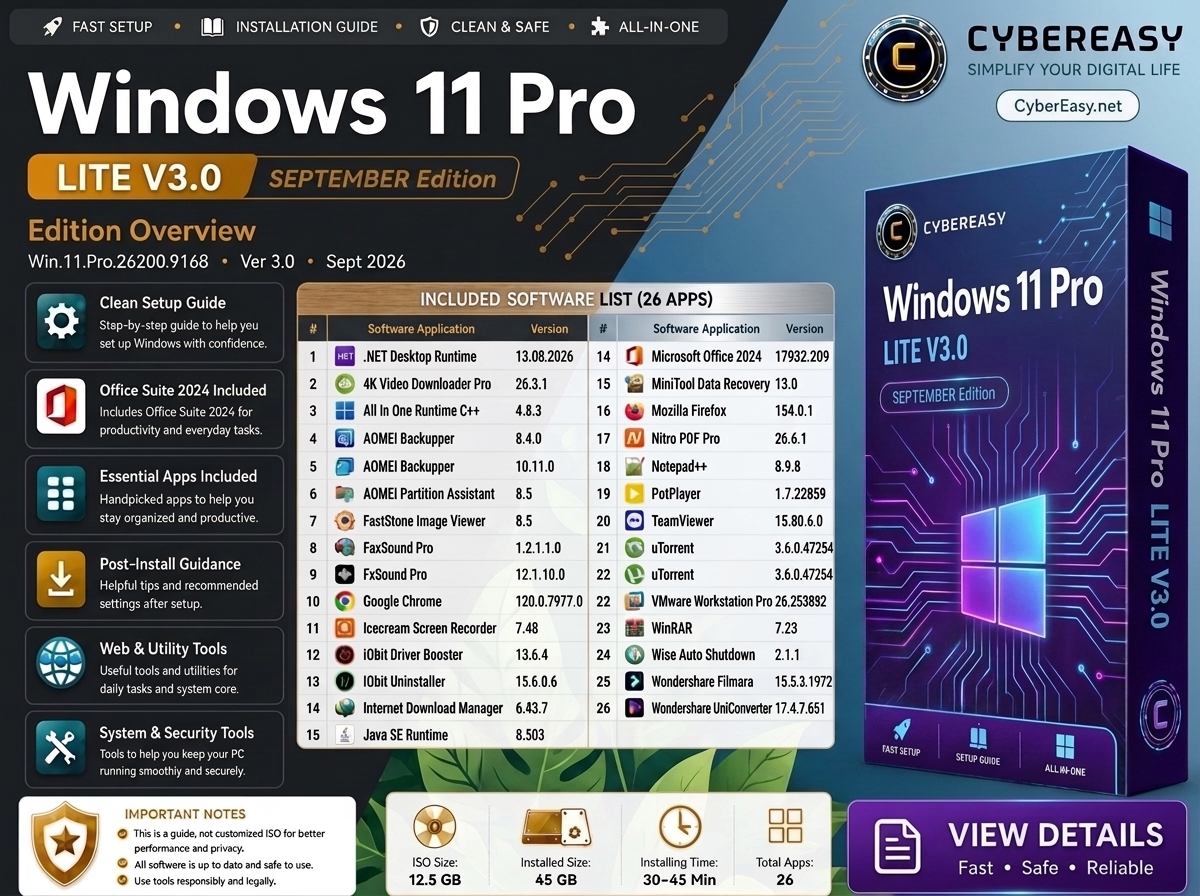
Windows 11 Pro Lite V3.0 – September 2026 is presented by CyberEasy as a streamlined Windows setup overview and software-reference guide. The edition artwork identifies Windows 11 Pro build 26200.9168, an approximate ISO size of 12.5 GB, an estimated installed size of 45 GB, an estimated setup time of 30–45 minutes, and a collection labeled as 26 apps.
Lite V3.0 is aimed at users who want a cleaner Windows 11 Pro setup with a practical selection of everyday applications for office work, browsing, media, backup, recovery, system maintenance, remote support, productivity, and post-install configuration. CyberEasy recommends using official Microsoft installation media, valid Windows licensing, and official or authorized installers for every third-party application.
Windows 11 Pro Lite V3.0 Overview
Main Features
- Windows 11 Pro build 26200.9168 edition overview
- Lite V3.0 September 2026 reference information
- Clean setup and installation guidance
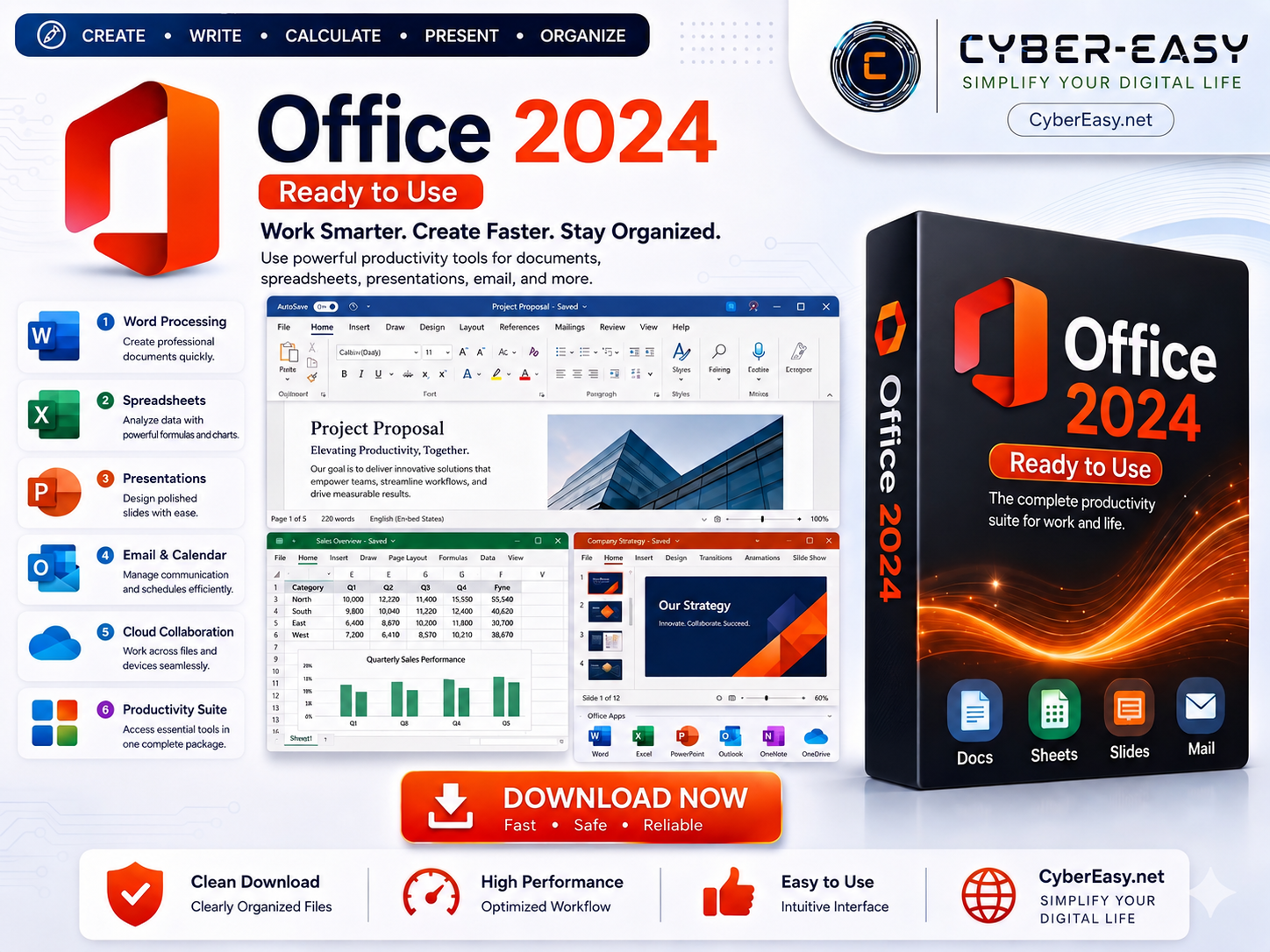
- Microsoft Office 2024 listed in the edition artwork
- Essential browser, media, PDF, backup, recovery, and utility tools
- System maintenance, remote support, and post-install utilities
- Smaller 12.5 GB edition package compared with the larger Mega edition
- All-in-one reference for home, office, study, and technician workflows
Edition Information
- Edition: Windows 11 Pro Lite Edition
- Release Label: Lite V3.0 – September 2026
- Build Reference: 26200.9168
- Approximate ISO Size: 12.5 GB
- Estimated Installed Size: Approximately 45 GB
- Estimated Setup Time: 30–45 minutes
- Combined Software List: 26 applications
- Reference Type: Windows setup and software overview
Lite V3.0 Software List — Alphabetical Order
This Lite V3.0 reference contains 26 unique applications based on the supplied edition artwork. Obvious duplicate labels in the artwork have been normalized so the list matches the stated total of 26 apps.
- 01. .NET Desktop Runtime — 13.08.2026
- 02. 4K Video Downloader Pro — 26.3.1
- 03. All In One Runtime C++ — 4.8.3
- 04. AOMEI Backupper — 8.4.0
- 05. AOMEI Partition Assistant — 10.11.0
- 06. FastStone Image Viewer — 8.5
- 07. FxSound Pro — 1.2.1.1.0
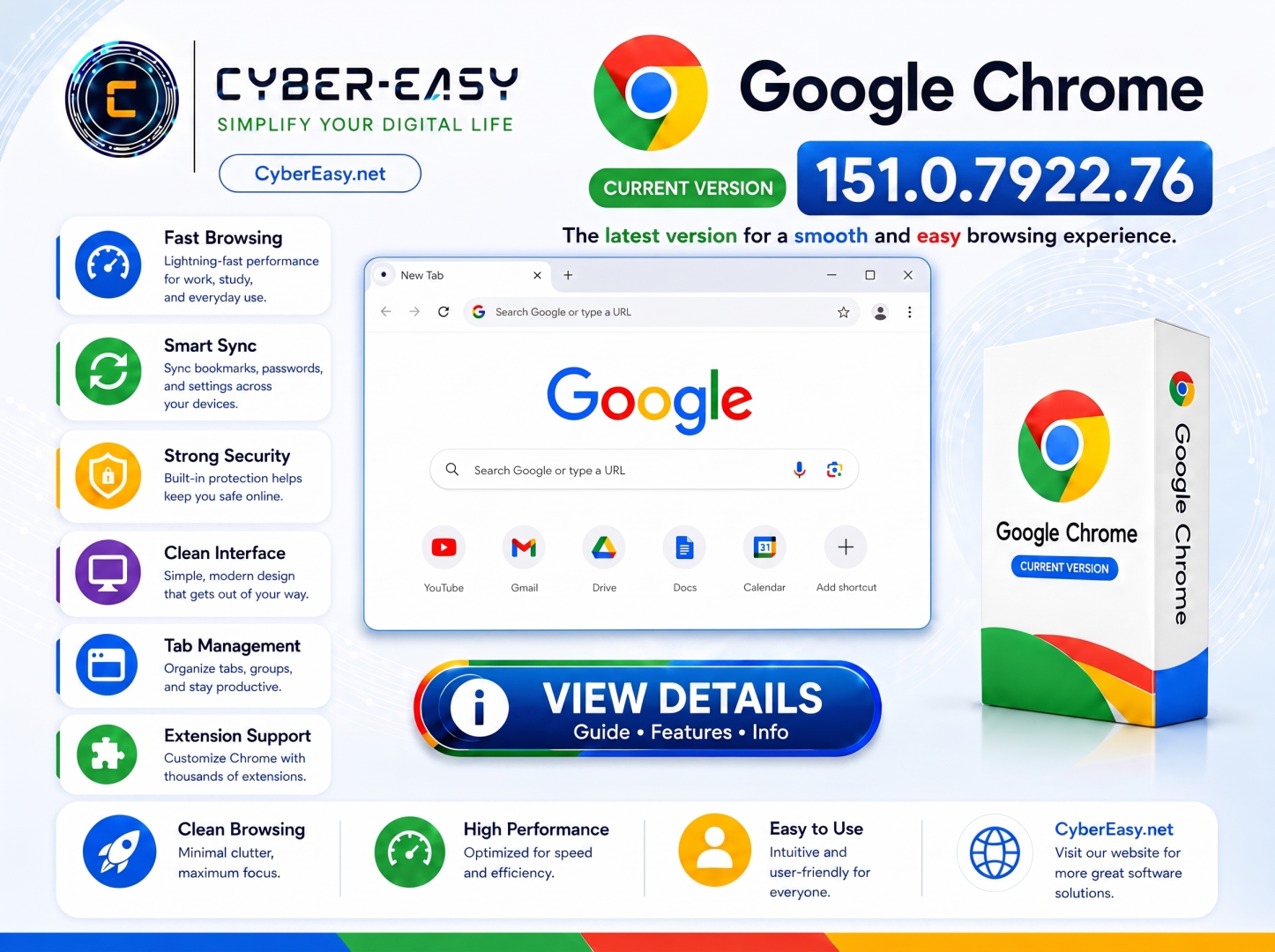
- 08. Google Chrome — 120.0.7977.0
- 09. Icecream Screen Recorder — 7.48
- 10. IObit Driver Booster — 13.6.4
- 11. IObit Uninstaller — 15.6.0.6
- 12. Internet Download Manager — 6.43.7
- 13. Java SE Runtime — 8.503
- 14. Microsoft Office 2024 — 17932.209
- 15. MiniTool Data Recovery — 13.0
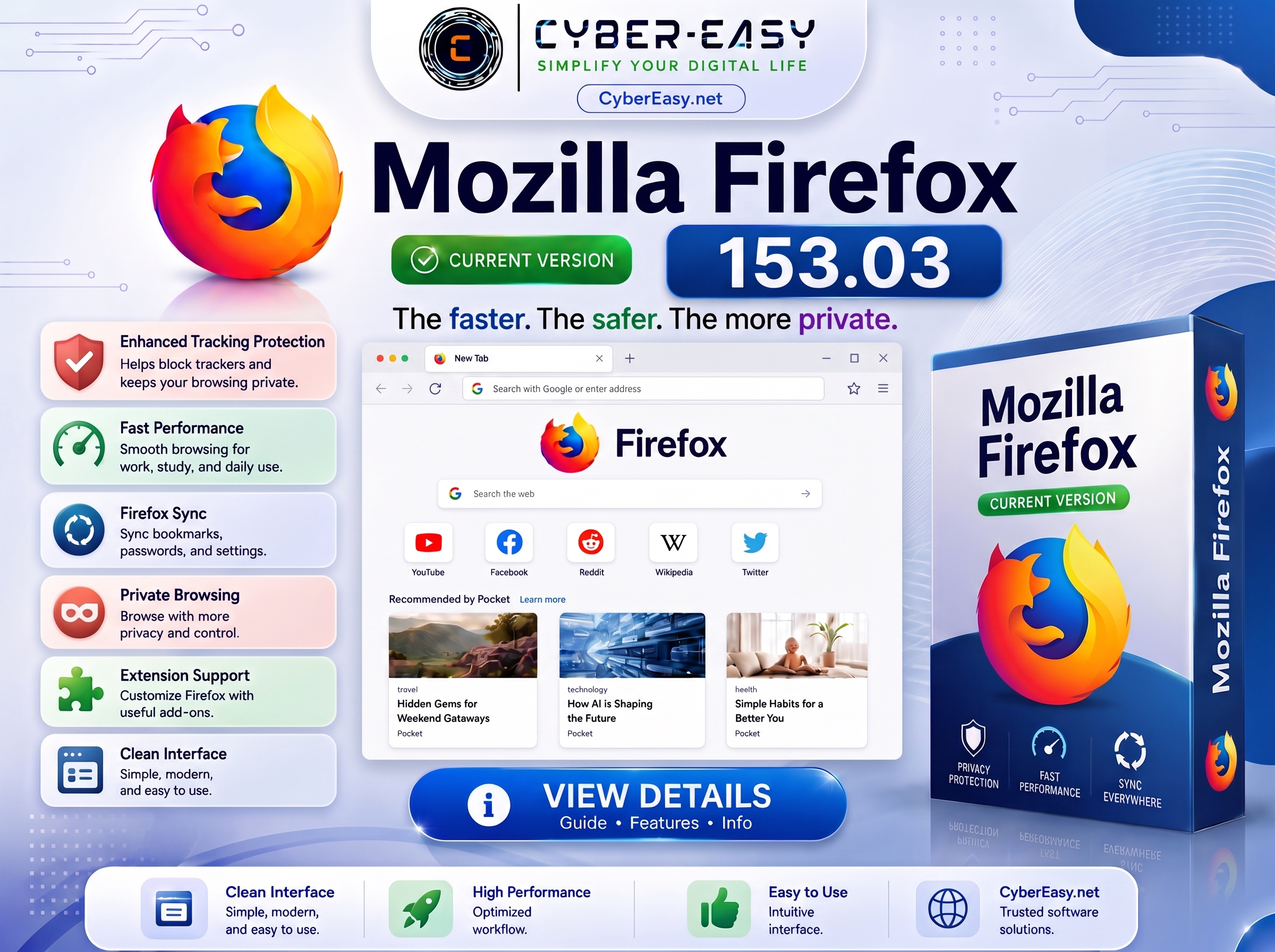
- 16. Mozilla Firefox — 154.0.1
- 17. Nitro PDF Pro — 26.6.1
- 18. Notepad++ — 8.9.8
- 19. PotPlayer — 1.7.22859
- 20. TeamViewer — 15.80.6.0
- 21. uTorrent — 3.6.0.47254
- 22. VMware Workstation Pro — 26.253882
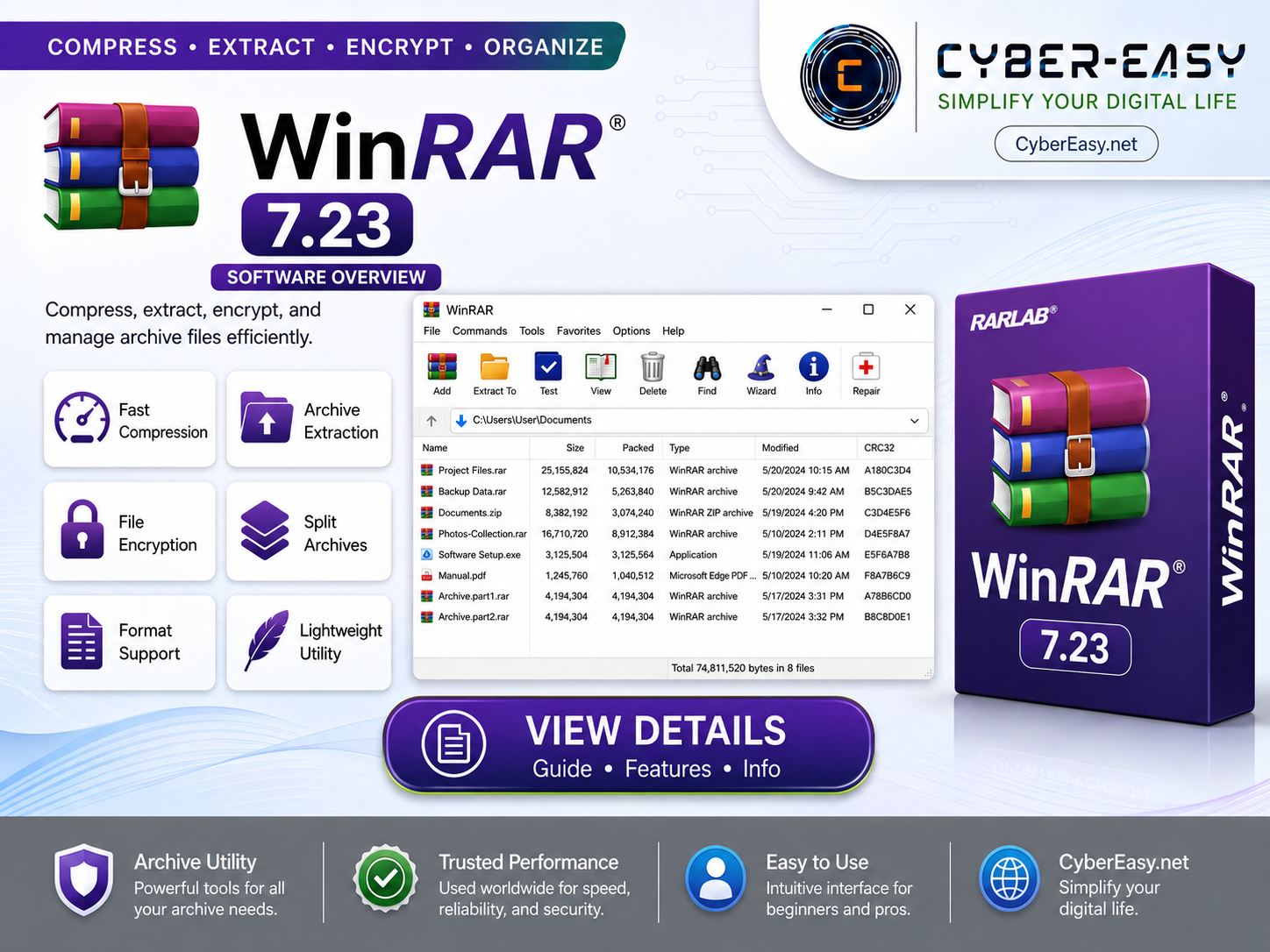
- 23. WinRAR — 7.23
- 24. Wise Auto Shutdown — 2.1.1
- 25. Wondershare Filmora — 15.5.3.1972
- 26. Wondershare UniConverter — 17.4.7.651
What Makes the Lite Edition Different?
- Focused Software Selection: Lite V3.0 keeps the included application collection to 26 commonly used tools rather than a much larger software library.
- Smaller Package: The artwork lists an approximate ISO size of 12.5 GB, making the edition easier to store and prepare on suitable installation media.
- Faster Setup Target: The estimated installation window is 30–45 minutes, depending on hardware, storage speed, USB media, and post-install configuration.
- Everyday Essentials: The listed applications cover office work, browsers, PDF tools, media, backup, recovery, downloads, remote support, and system utilities.
- Post-Install Guidance: The edition is intended to provide a more organized starting point for configuring a Windows 11 Pro system after a clean setup.
Setup Guide
- Backup: Save important files to a separate drive or trusted cloud location before changing or reinstalling Windows.
- Compatibility: Confirm that the computer meets current Windows 11 hardware, firmware, storage, and security requirements.
- Official Windows Source: Use Microsoft’s official Windows 11 page and official installation-media tools.
- Bootable Media: Use a trusted utility to prepare installation media and verify the correct target USB drive before writing data.
- Windows License: Use a valid product key, supported digital entitlement, or eligible Microsoft account.
- Application Sources: Obtain third-party software directly from its developer or an authorized provider.
- Updates: Install Windows updates, device drivers, browser updates, and application security updates after setup.
- Recovery: Create a restore point or system image after the system is configured and working correctly.
Important Notes
- Guide Notice: This page is an informational setup guide and does not provide or endorse an unauthorized Windows license.
- License Notice: Commercial applications may require a valid license, subscription, account, or organization entitlement.
- Publisher Verification: Check digital signatures and publisher information before running installers.
- Security: Keep Windows security protection enabled and scan files when appropriate.
- Version Notice: Software availability and version numbers can change after the edition artwork is published.
- Hardware Notice: Actual installation time and installed size can vary by PC configuration and selected components.
- Responsible Use: Use all software legally and according to the original developer’s terms.
Windows 11 Pro Lite V3.0 Information
Related CyberEasy Guides
Note: Windows 11 Pro Lite V3.0 is presented here as a setup and software-reference guide for experienced users, technicians, and clean deployment workflows. Always back up important data, use official Windows sources, and maintain valid licenses for commercial software.