
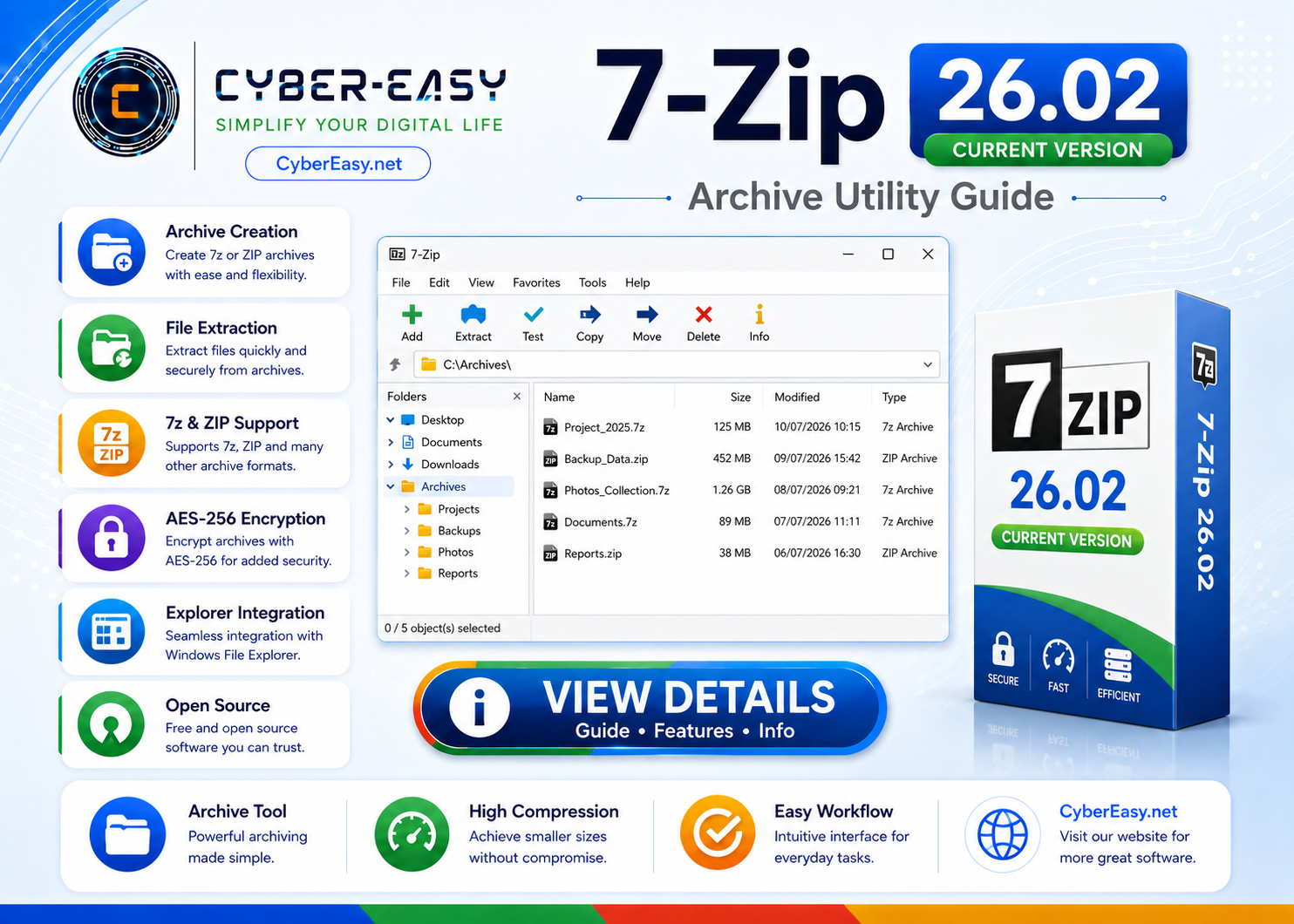
7-Zip 26.02 is a free and open-source file archiver for Windows. It can create and extract compressed archives, reduce storage usage, protect supported archives with encryption, and integrate with Windows File Explorer.
This CyberEasy page provides software information, feature details, setup notes, installation guidance, and responsible usage information. Users should follow the software license terms and use official, trusted, or authorized sources whenever possible.
7-Zip 26.02 for Windows
Application InformationView Details
Version26.02
Reference TypeFile archiver and compression utility
CategorySystem Utilities / Archive Tools
PlatformWindows
Setup MethodStandard installation
UsageSoftware Information / Archive Utility Guide
Main Features
- Create and extract 7z, ZIP, TAR, and other supported formats
- High compression ratio with the 7z format
- AES-256 encryption for supported archive formats
- Windows File Explorer context-menu integration
- File splitting and archive testing tools
- Available for x64, x86, and ARM64 Windows systems
Installation Guide
- Architecture: Choose the x64, x86, or ARM64 package that matches your Windows system.
- Official Source: Use the official 7-Zip website.
- Setup: Run the installer and confirm the destination folder.
- Associations: Configure archive associations and context-menu options.
- Finish: Test the installation by opening or creating a sample archive.
7-Zip 26.02 Information
Please use official, trusted, or authorized sources and follow the software license terms.
Related Software
- Google Chrome Version Info – browser information for Windows users.
- Mozilla Firefox Setup Guide – privacy-focused browser information.
- VLC Media Player Guide – media player information.
- AnyBurn Disc Utility Guide – disc and ISO utility information.
Note: This page provides software information, setup notes, and installation guidance. Verify the publisher, scan files before installation, and respect software license terms.