
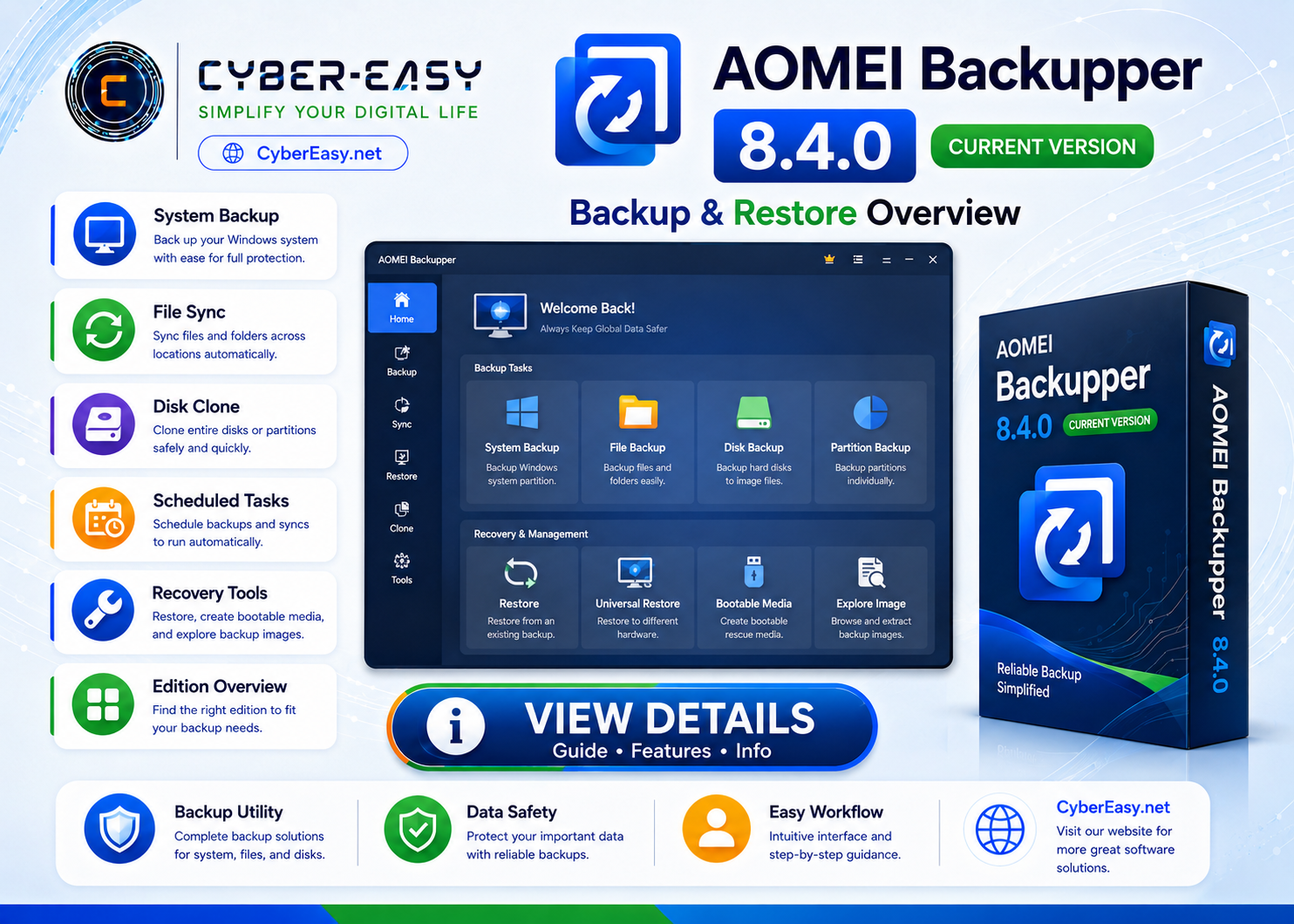
AOMEI Backupper 8.4.0 is a Windows backup, restore, synchronization, and disk-cloning utility. Different editions are available for personal, professional, server, workstation, and technician use, with features and licensing that vary by edition.
This CyberEasy page provides software information, feature details, setup notes, installation guidance, and responsible usage information. Users should follow the software license terms and use official, trusted, or authorized sources whenever possible.
AOMEI Backupper 8.4.0 for Windows
Application InformationView Details
Version8.4.0
Reference TypeBackup, restore, sync, and cloning utility
CategoryBackup Tools / System Utilities
PlatformWindows
Setup MethodOfficial free, trial, or licensed edition
UsageSoftware Information / Backup Guide
Main Features
- System, disk, partition, and file backup options
- Restore files, partitions, disks, or compatible system images
- File synchronization and scheduled backup tasks
- Disk and partition cloning in supported editions
- Backup to local, external, and supported network storage
- Bootable recovery media tools in supported editions
Installation Guide
- Edition: Choose the official edition that matches personal, business, server, or technician use.
- License: Review feature limits and device-use rights for the selected edition.
- Source: Use the official AOMEI download center or licensed account portal.
- Setup: Install the software and create a small test backup before relying on it.
- Finish: Verify destinations, schedules, retention settings, and recovery media.
AOMEI Backupper 8.4.0 Information
Please use official, trusted, or authorized sources and follow the software license terms.
Related Software
- Google Chrome Version Info – browser information for Windows users.
- Mozilla Firefox Setup Guide – privacy-focused browser information.
- VLC Media Player Guide – media player information.
- AnyBurn Disc Utility Guide – disc and ISO utility information.
Note: This page provides software information, setup notes, and installation guidance. Verify the publisher, scan files before installation, and respect software license terms.