
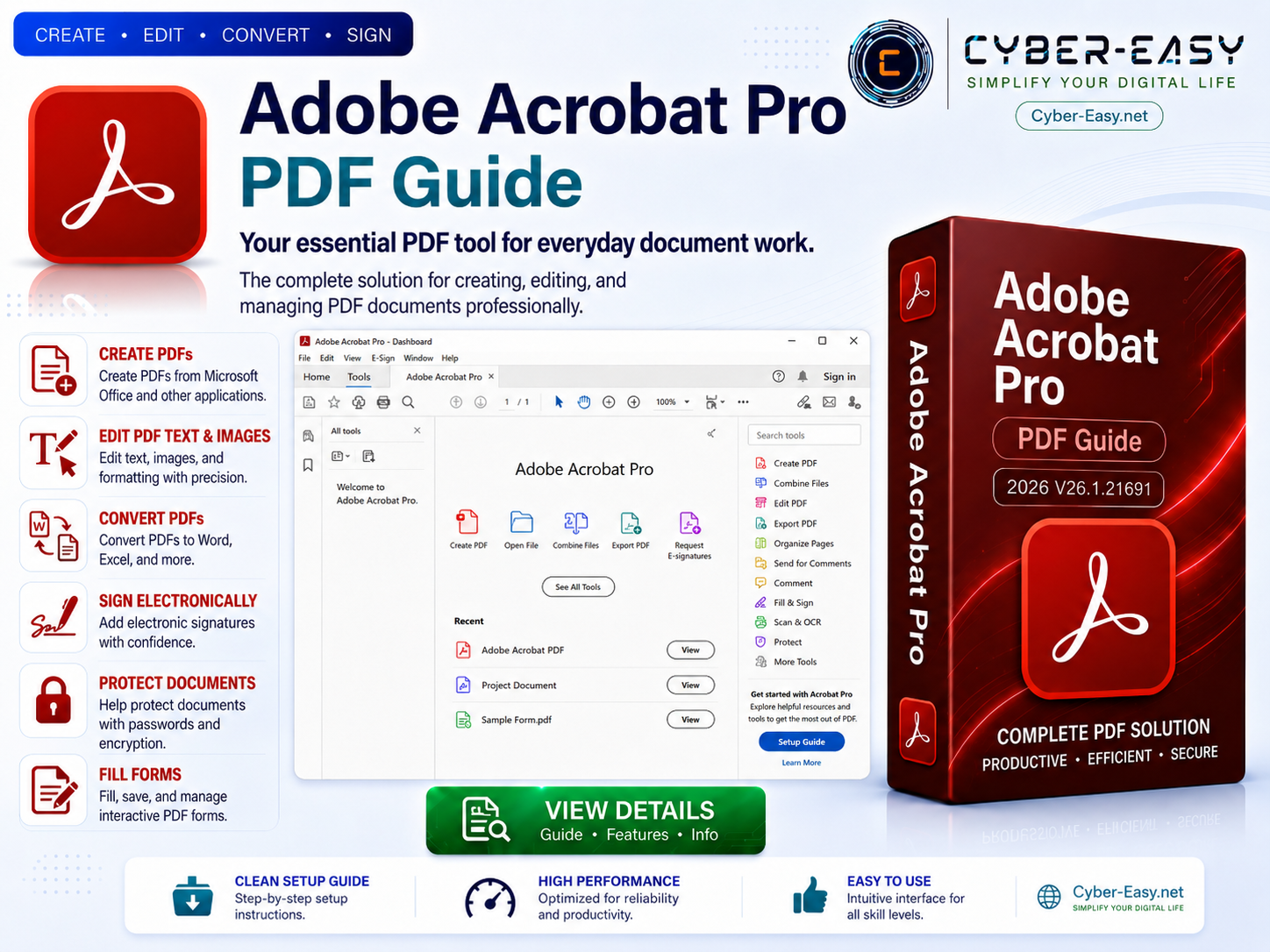
Adobe Acrobat Pro DC 2026 is a professional PDF productivity application for creating, editing, organizing, reviewing, protecting, and sharing PDF documents. The version references supplied for this CyberEasy guide are 26.1.21691 and 26.1.21677. Availability, build numbers, and supported features may vary by region, account, release channel, and official Adobe update status.
This page provides a product overview, feature summary, system-preparation guidance, licensing information, and responsible setup notes. Adobe Acrobat Pro is commercial software and requires a valid Adobe account, subscription, or license for continued use. CyberEasy does not recommend license bypasses, activation tools, modified installers, or unauthorized copies.
Adobe Acrobat Pro DC 2026 Overview
Adobe Acrobat Pro DC 2026 is designed for users who regularly work with PDF documents in offices, educational institutions, businesses, legal environments, research projects, and personal workflows. It brings document creation, editing, conversion, signing, review, and protection tools into one organized application.
The software can be useful for preparing reports, editing text and images inside supported PDF files, combining multiple documents, adding comments, creating forms, comparing document versions, applying passwords, and exporting PDF content to supported formats. Some cloud-connected functions may require internet access and an active Adobe account.
Main Features of Adobe Acrobat Pro DC 2026
- Create PDF documents from supported files and applications
- Edit supported text, images, links, and page elements
- Combine, organize, rotate, insert, extract, and reorder pages
- Convert PDF files to supported document and image formats
- Add comments, highlights, stamps, and review notes
- Create and manage fillable PDF forms
- Apply passwords, permissions, redaction, and document protection
- Compare document versions and review detected changes
- Use supported electronic-signature and sharing workflows
- Access eligible cloud-connected services with an Adobe account
PDF Editing and Document Organization
Adobe Acrobat Pro DC 2026 includes tools for reviewing and modifying supported PDF content. Users may edit text, replace images, add links, adjust page order, split larger documents, or combine several files into a single PDF. Editing results can vary depending on fonts, document permissions, scanned content, and the way the original PDF was created.
Before editing an important document, keep an untouched backup copy. This is especially important for contracts, academic records, financial documents, legal forms, and files that contain signatures or sensitive information.
Document Security and Privacy
PDF documents may contain personal, business, financial, medical, or confidential information. Acrobat can provide options for password protection, permission controls, certificate-based workflows, and redaction. Users should review security settings carefully before sharing a protected document.
Redaction should be completed with the dedicated redaction tools rather than covering text with a shape or changing the font color. Sensitive documents should be stored in trusted locations, and users should verify recipients before sending files by email or cloud-sharing services.
System Preparation and Setup Guidance
- Compatibility: Confirm that your Windows version and computer meet Adobe’s current requirements.
- Backup: Save important documents before installing or updating major software.
- Account: Keep your valid Adobe account and subscription information available.
- Security: Keep Windows security protection enabled and verify the publisher before running an installer.
- Updates: Use official Adobe update channels for security and stability improvements.
- Storage: Keep sufficient free space for installation, temporary files, updates, and document processing.
Installation and License Notes
- Official Source: Obtain Adobe Acrobat through Adobe or an authorized provider.
- License: A valid Adobe license, subscription, or eligible organization account may be required.
- Publisher Check: Verify that the installer is digitally signed by the expected publisher.
- Installation: Close other applications, run the legitimate setup, and follow the displayed instructions.
- Sign In: Use your authorized Adobe account when activation or feature access is requested.
- Restart: Restart Windows after setup or updates when the installer requests it.
Who Can Use Adobe Acrobat Pro DC 2026?
This guide may be helpful for office users, students, teachers, researchers, administrators, legal professionals, technicians, and businesses that need advanced PDF tools. Adobe Acrobat Pro DC 2026 can support document editing, form preparation, review workflows, secure sharing, and long-term PDF organization when used with a valid license.
Users who only need basic viewing or printing may prefer Adobe Acrobat Reader or another legitimate PDF reader. Choosing the appropriate edition can reduce unnecessary cost and keep the software environment simpler.
Official Adobe Product Information
For official features, supported plans, licensing details, system requirements, downloads, updates, and technical support, visit the official Adobe Acrobat website.
Adobe Acrobat Pro DC 2026 Reference Information
Related CyberEasy Guides
- Office Suite 2024 Guide – productivity and licensing information.
- Google Chrome Browser Guide – browser information for Windows.
- Mozilla Firefox Setup Guide – privacy-focused browser information.
- VLC Media Player Guide – multimedia player information.
Final note: Adobe Acrobat Pro DC 2026 is commercial software. Use an official or authorized source, maintain a valid license, keep security protection enabled, and review Adobe’s current terms before installation or use.