
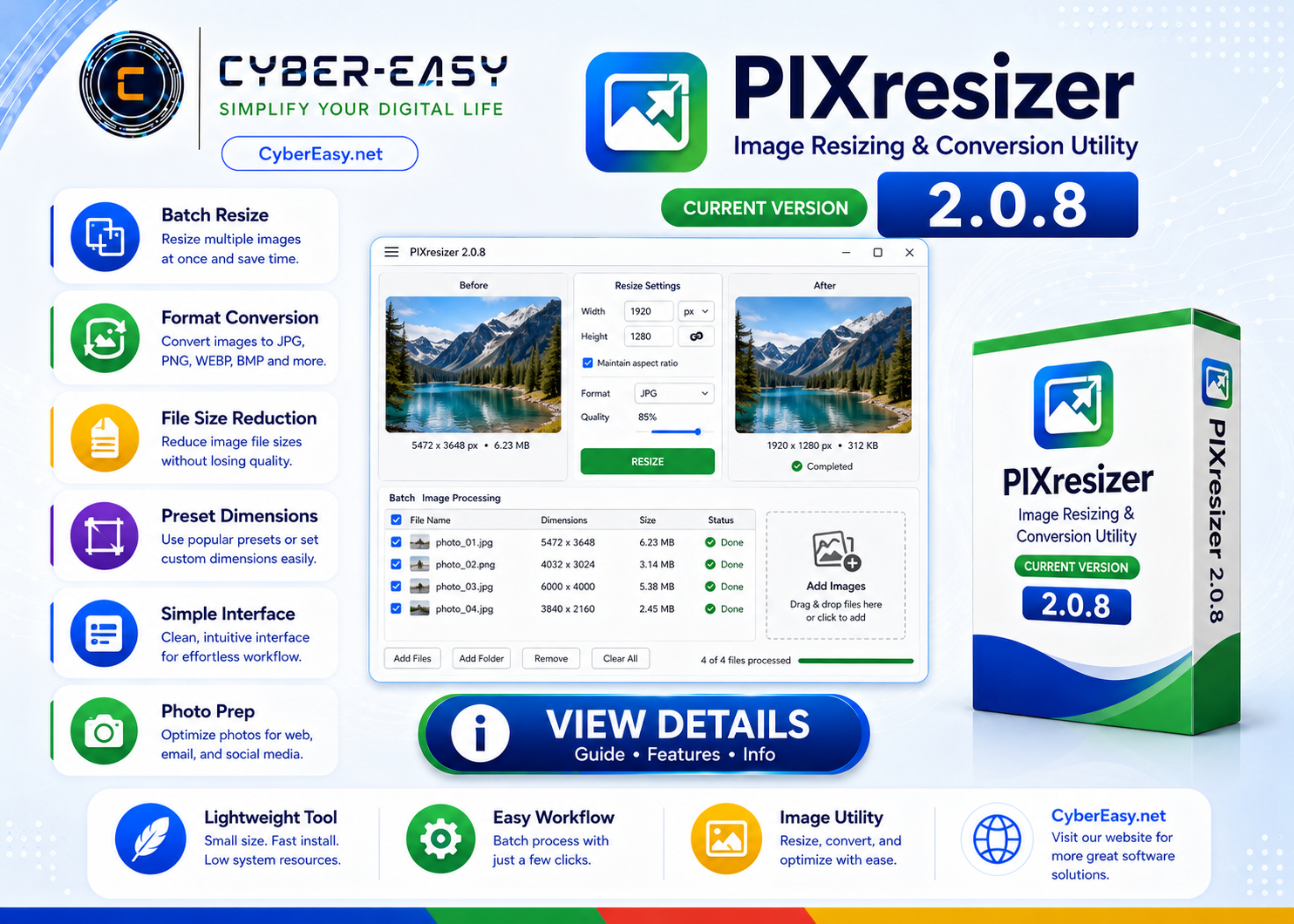
PIXresizer 2.0.8 is a lightweight image resizing and conversion utility for Windows. It can help users create smaller copies of images, resize single files or folders, and prepare pictures for websites, email, documents, and everyday sharing.
This CyberEasy page provides software information, feature details, setup notes, installation guidance, and responsible usage information. Users should follow the software license terms and use official, trusted, or authorized sources whenever possible.
PIXresizer 2.0.8 for Windows
Application InformationView Details
Version2.0.8
Reference TypeImage resizing and conversion utility
CategoryImage Tools / Resizing Utilities
PlatformWindows
Setup MethodStandard installation guide
UsageSoftware Information / Image Tool Guide
Main Features
- Resize individual images or folders of pictures
- Create smaller copies while preserving original files
- Choose preset dimensions or enter custom sizes
- Convert between commonly supported image formats
- Reduce file size for websites, email, and documents
- Simple interface suitable for basic image workflows
Installation Guide
- Compatibility: Check Windows compatibility because PIXresizer is an older utility.
- Source: Use a trusted or authorized source and verify the publisher where possible.
- Security: Keep Windows security enabled and scan the installer before opening it.
- Setup: Run the installer and follow the standard Windows prompts.
- Finish: Test one sample image first and keep the original file as a backup.
PIXresizer 2.0.8 Information
Please use official, trusted, or authorized sources and follow the software license terms.
Related Software
- Google Chrome Version Info – browser information for Windows users.
- Mozilla Firefox Setup Guide – privacy-focused browser information.
- VLC Media Player Guide – media player information.
- AnyBurn Disc Utility Guide – disc and ISO utility information.
Note: This page provides software information, setup notes, and installation guidance. Verify the publisher, scan files before installation, and respect software license terms.