
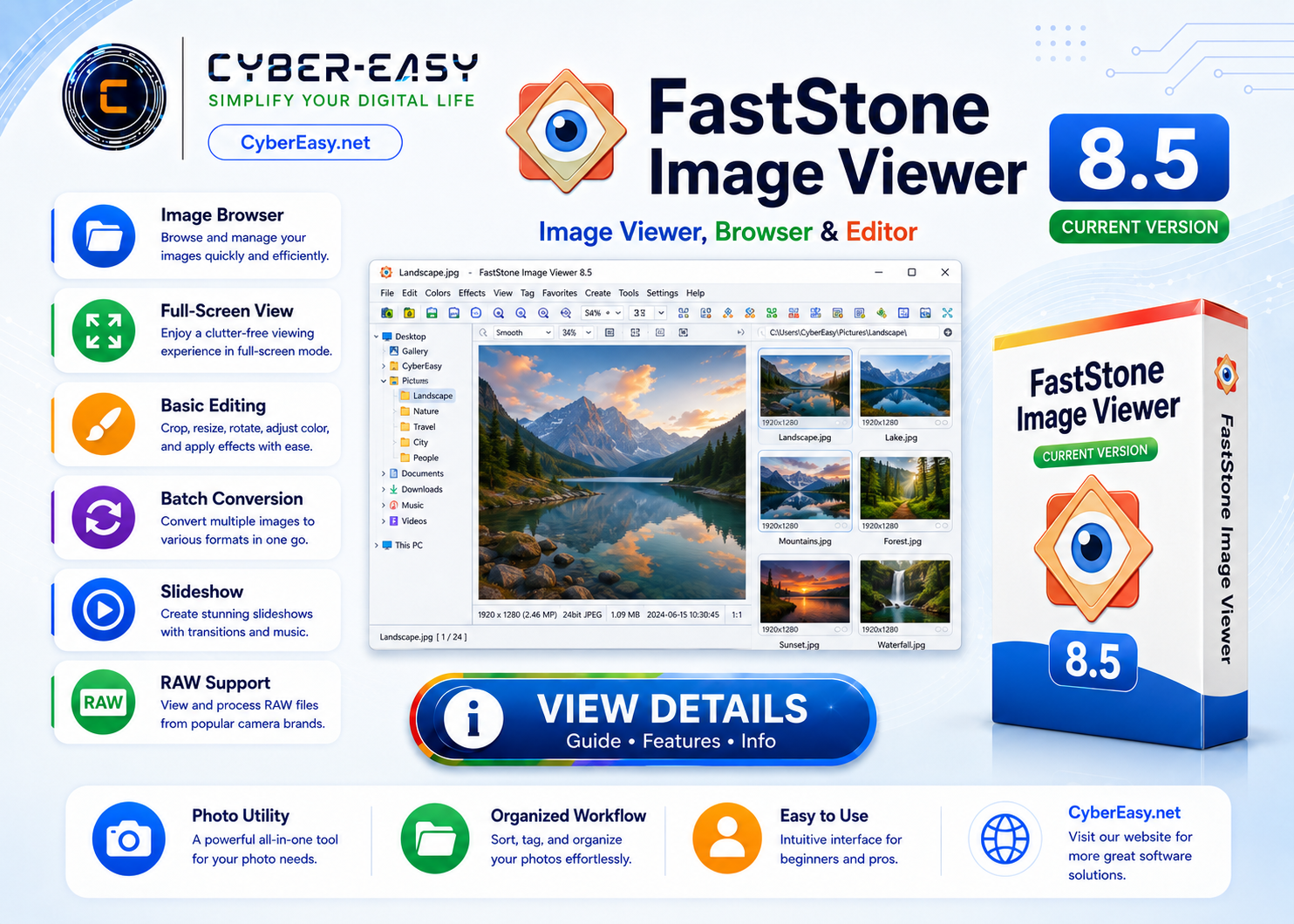
FastStone Image Viewer 8.5 is an image browser, converter, and editor for Windows. It provides a practical full-screen viewing workflow together with tools for image management, comparison, resizing, cropping, color adjustment, and slideshows.
This CyberEasy page provides software information, feature details, setup notes, installation guidance, and responsible usage information. Users should follow the software license terms and use official, trusted, or authorized sources whenever possible.
FastStone Image Viewer 8.5 for Windows
Application InformationView Details
Version8.5
Reference TypeImage browser, converter, and editor
CategoryImage Tools / Image Viewer
PlatformWindows
Setup MethodStandard installation or portable edition
UsageSoftware Information / Image Viewer Guide
Main Features
- Browse and organize common image formats
- Full-screen viewing with quick-access controls
- Resize, crop, rotate, and adjust images
- Compare multiple images side by side
- Create slideshows with optional effects
- Batch conversion and renaming tools
Installation Guide
- License: Free for personal and educational use; review developer terms for commercial use.
- Source: Use the official FastStone download page.
- Edition: Choose the installer or portable package that matches your workflow.
- Setup: Follow the standard prompts and review file-association options.
- Finish: Configure thumbnail, slideshow, and editor preferences.
FastStone Image Viewer 8.5 Information
Please use official, trusted, or authorized sources and follow the software license terms.
Related Software
- Google Chrome Version Info – browser information for Windows users.
- Mozilla Firefox Setup Guide – privacy-focused browser information.
- VLC Media Player Guide – media player information.
- AnyBurn Disc Utility Guide – disc and ISO utility information.
Note: This page provides software information, setup notes, and installation guidance. Verify the publisher, scan files before installation, and respect software license terms.